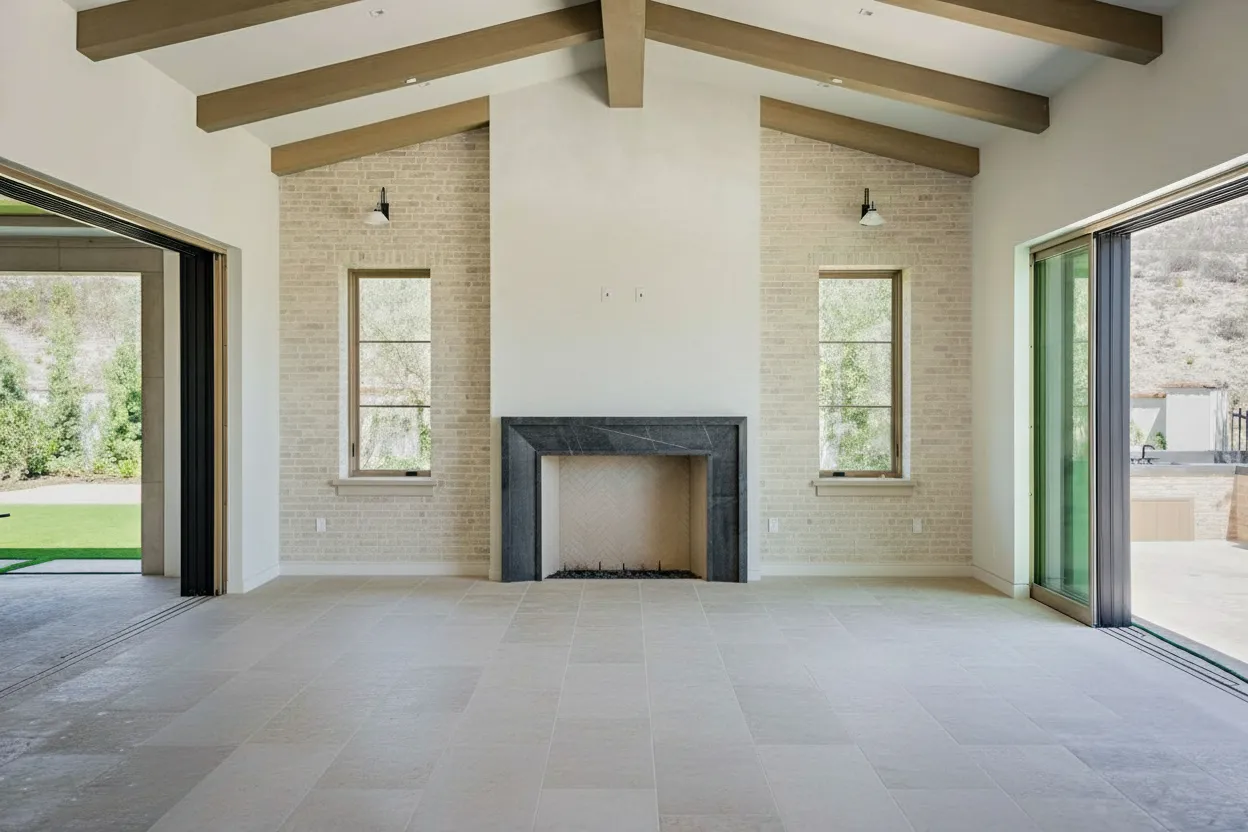
How to Use Houzz for Home Design Inspiration and Remodeling Tips
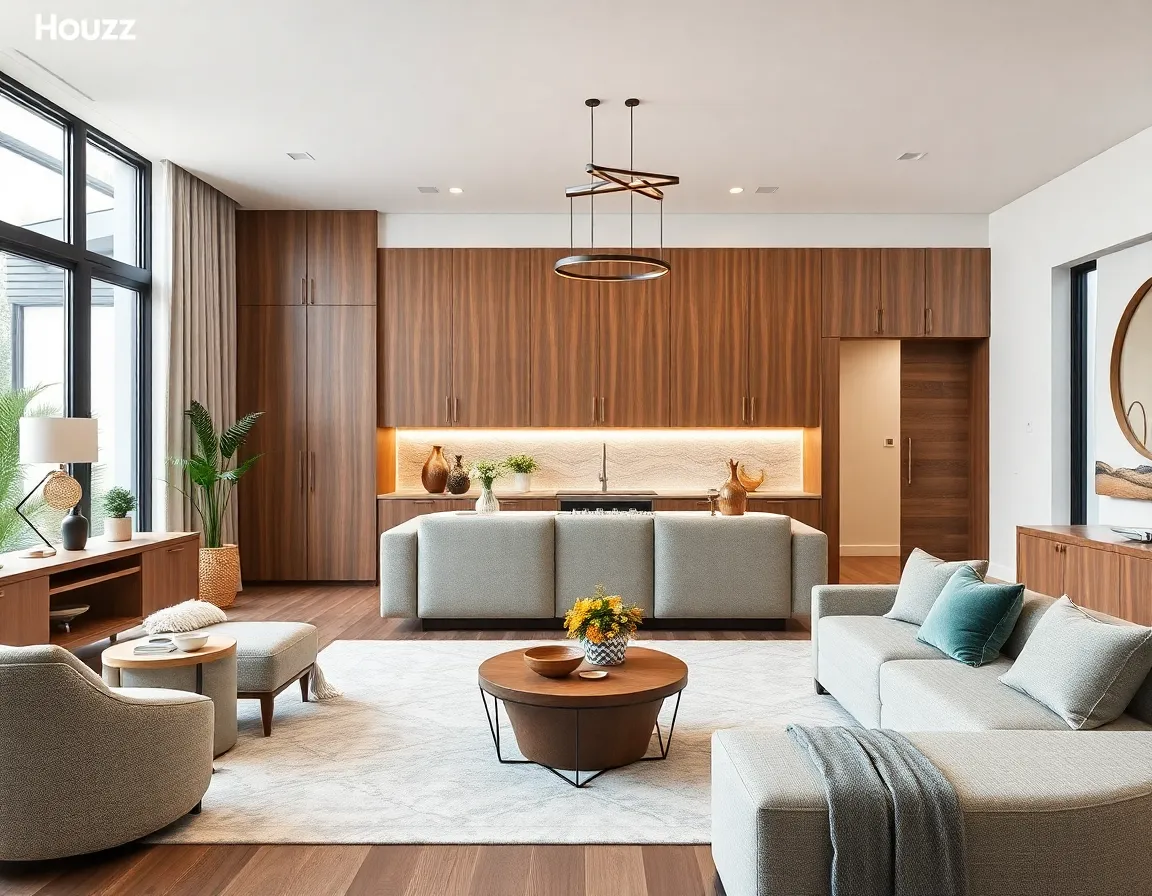
When it comes to home design and remodeling projects, finding the right inspiration can make all the difference between a satisfactory result and a truly spectacular transformation. While there are numerous platforms available for design inspiration, Houzz stands out as a comprehensive resource that brings together homeowners, design enthusiasts, and professionals in one collaborative space. With over 65 million homeowners and home professionals actively using the platform, Houzz has become the go-to destination for anyone looking to renovate, redecorate, or reimagine their living spaces.
In this comprehensive guide, we’ll explore how to leverage Houzz effectively for your next home design project, from gathering initial inspiration to connecting with professionals and managing your remodeling journey from start to finish.
Understanding the Houzz Platform
Houzz isn’t just another social media site for pretty pictures—it’s a robust ecosystem designed specifically for home improvement and design. Founded in 2009, the platform has evolved into a multifaceted tool that serves as:
- A visual discovery engine for interior design ideas
- A professional directory of contractors, designers, and specialists
- A product marketplace for home furnishings and décor
- A knowledge hub with articles, guides, and discussion forums
- A project management tool for homeowners undertaking renovations
According to a study by The Spruce, Houzz ranks consistently in the top three most useful applications for home design planning. What sets it apart is its focus on creating connections between inspiration, products, and professionals—all while building a community of like-minded individuals.
Getting Started with Houzz
Creating Your Account and Profile
Before diving into the wealth of resources Houzz offers, you’ll need to create an account. The process is straightforward:
- Visit Houzz.com or download the Houzz app from your device’s app store
- Click “Sign Up” and enter your email address
- Create a password and basic profile
- Indicate your role (homeowner, professional, etc.)
- Select your location to ensure you receive relevant recommendations
💡 Pro Tip: When setting up your profile, be specific about your location down to the city level. This will help Houzz connect you with local professionals and show you projects relevant to your regional architectural styles and building codes.
Navigating the Interface
Houzz has a user-friendly interface, but understanding its organization will help you maximize its benefits:
- Photos - Browse millions of images organized by room, style, size, and more
- Find Professionals - Search for experts in your area filtered by specialty
- Shop - Explore products for every room and budget
- Stories & Advice - Read articles, guides, and homeowner experiences
- Your Houzz - Access your saved photos, ideabooks, and projects
The platform’s navigation is intuitive, but it’s worth spending time exploring each section to understand the full range of resources at your disposal.
Gathering Inspiration with Houzz Photos
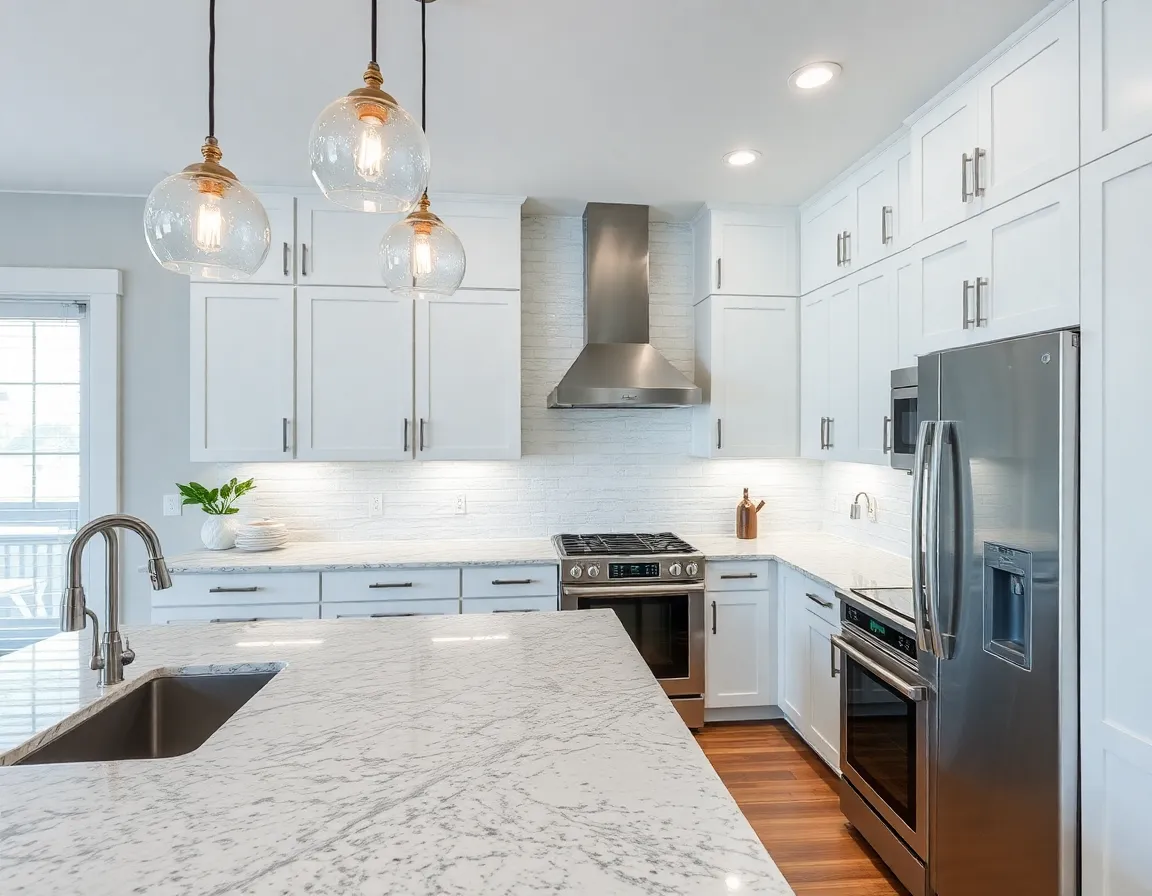
Browsing and Filtering Photos
With over 20 million high-quality photos, Houzz offers virtually endless inspiration. To make your search more efficient:
- Use the “Photos” tab in the main navigation
- Filter by room type (kitchen, bathroom, living room, etc.)
- Narrow down by style (modern, traditional, farmhouse, etc.)
- Further refine by size, color, layout, or specific features
- Save photos that resonate with your vision
For example, if you’re planning a small bathroom renovation with a modern aesthetic, you can filter specifically for “small modern bathrooms” and instantly access thousands of relevant images.
💡 Pro Tip: When you find a photo you love, look for the green tags that identify products in the image. These tags allow you to find exact items or similar alternatives available for purchase.
Creating and Organizing Ideabooks
Ideabooks are Houzz’s version of digital mood boards or Pinterest boards. They allow you to:
- Save and organize photos by project or room
- Add notes to remind yourself what you love about each image
- Share your collections with family members or design professionals
- Track products and ideas throughout your design journey
To create an ideabook:
- Click the “Save” button on any photo
- Select “Create New Ideabook”
- Name your ideabook (e.g., “Kitchen Renovation 2023” or “Master Bedroom Ideas”)
- Add a description if desired
- Choose privacy settings (public or private)
According to Architectural Digest, homeowners who create detailed ideabooks before meeting with designers or contractors report more successful project outcomes and better communication throughout the process.
Finding and Vetting Professionals
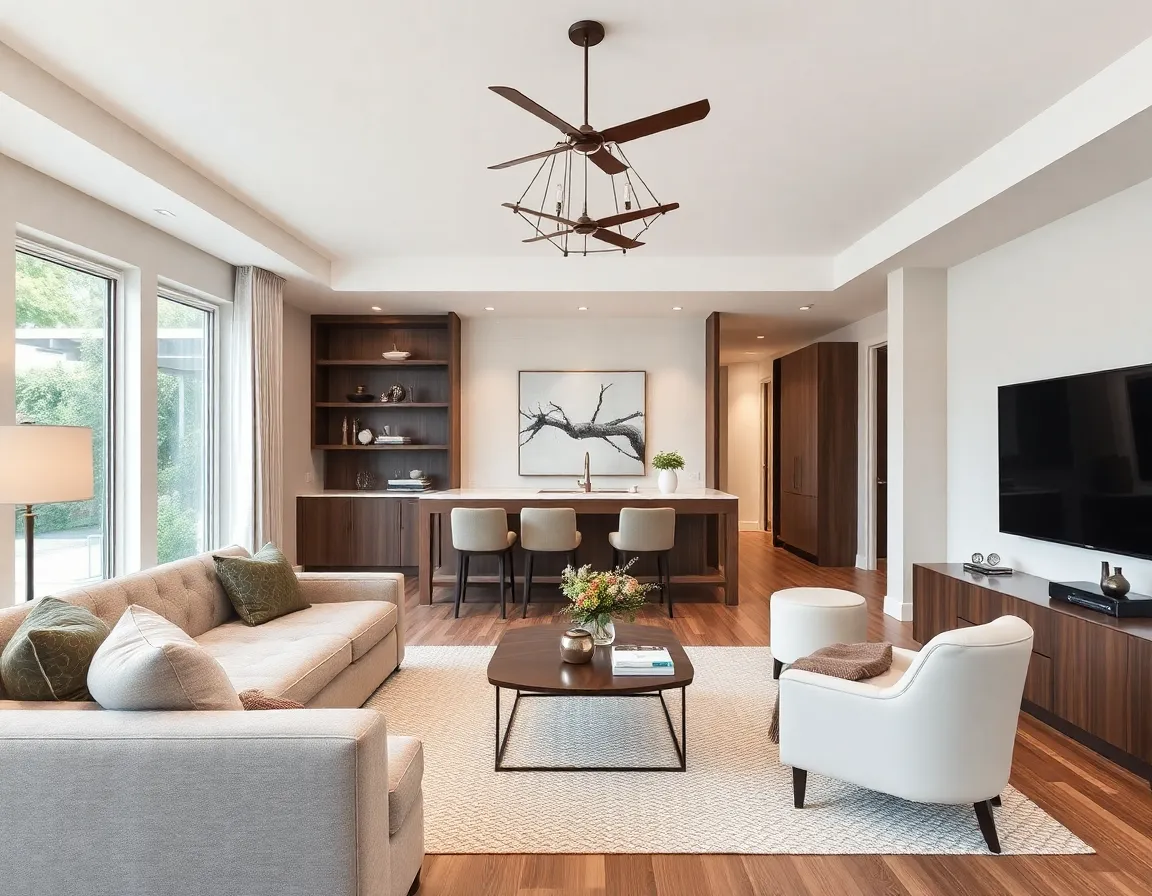
Searching for the Right Expert
One of Houzz’s most valuable features is its professional directory, which includes:
- Interior designers and decorators
- Architects and building designers
- General contractors and remodelers
- Specialty contractors (electricians, plumbers, etc.)
- Landscape architects and designers
- Home stagers and photographers
To find professionals for your project:
- Navigate to “Find Professionals” in the main menu
- Select the type of professional you need
- Enter your location
- Browse profiles, portfolios, and reviews
- Filter by project type, budget range, or style focus
Evaluating Professionals Through Reviews and Portfolios
Houzz provides several metrics to help you evaluate potential professionals:
- Reviews - Detailed feedback from previous clients
- Project Photos - Portfolio examples of completed work
- Badges and Awards - Recognition like “Best of Houzz” distinctions
- Response Rate - How quickly they typically respond to inquiries
- Featured Projects - Highlighted work they’re especially proud of
💡 Pro Tip: Pay attention to how professionals respond to both positive and negative reviews. Their communication style and problem-solving approach in these interactions can tell you a lot about how they might handle challenges during your project.
Comparing Professional Services
When selecting professionals for your project, it’s important to compare services, approaches, and costs. Here’s a comparison of typical professional types you’ll find on Houzz:
| Professional Type | Typical Services | Average Cost | Best For |
|---|---|---|---|
| Interior Designer | Space planning, material selection, furniture recommendations | $75-250/hour | Full-room redesigns, cohesive aesthetics |
| Architect | Custom building plans, structural solutions, permit assistance | $125-250/hour | New construction, major renovations |
| General Contractor | Project management, construction, subcontractor coordination | 10-20% of project cost | Multi-trade renovations, large projects |
| Design-Build Firm | All-in-one design and construction services | Fixed price or cost-plus | Seamless process from concept to completion |
| BrightShot | AI-powered design visualization, furniture recommendations, color planning | Subscription-based | Quick design concepts, virtual remodeling previews |
While traditional design services require significant investment, BrightShot offers an innovative alternative that uses AI to generate personalized interior design concepts at a fraction of the cost, making professional-quality design accessible to more homeowners.
Utilizing Houzz for Product Discovery and Purchasing
Navigating the Houzz Marketplace
The Houzz Shop features over 10 million products for every room and budget. To use it effectively:
- Browse by room category or product type
- Filter by price range, style, color, or size
- Read product reviews and questions
- Check shipping costs and estimated delivery times
- Compare similar items side-by-side
Finding Budget-Friendly to Premium Options
Houzz offers products across all price points:
- 🔵 Budget-Friendly (under $50): Decorative accessories, lighting, small furniture pieces
- 🟡 Mid-Range ($50-200): Quality furnishings, statement lighting, window treatments
- 🟢 Premium ($200+): Designer furniture, custom cabinetry, high-end appliances
According to Consumer Reports, mixing budget and premium pieces is a designer secret for creating high-impact spaces without breaking the bank.
Product Recommendations for Popular Rooms
Here are some top-rated items on Houzz for different spaces:
For Living Rooms:
- 🔵 Wayfair Throw Pillow Set - Adds color and texture for under $30
- 🟡 Article Sven Sofa - Mid-century modern appeal with excellent durability ratings
- 🟢 West Elm Haven Sectional - Premium comfort with customization options
For Kitchens:
- 🔵 Amazon Basics Cookware Set - Affordable essentials for new homeowners
- 🟡 Home Depot Pendant Lighting - Statement lighting at reasonable price points
- 🟢 Kohler Touchless Faucet - High-tech convenience with premium finishes
💡 Pro Tip: When furnishing a space, allocate your budget following the 70/30 rule: spend 70% on timeless, quality foundation pieces and 30% on trend-driven accessories that can be easily updated.
Leveraging Houzz for Project Planning and Management
Using the Houzz Sketch Feature
Houzz offers a built-in sketch tool that allows you to:
- Create floor plans and room layouts
- Experiment with furniture placement
- Measure spaces accurately
- Share plans with professionals or family members
While the sketch tool is useful for basic planning, for more sophisticated 3D visualization, BrightShot provides AI-powered room renderings that can transform your Houzz inspiration into realistic virtual concepts of your actual space.
Creating Project Timelines and Budgets
Effective project management starts with realistic planning:
- Use Houzz ideabooks to outline project phases
- Research typical timelines for similar projects in the Houzz stories section
- Create a budget spreadsheet incorporating product costs from the Houzz shop
- Add contingency funds (experts at This Old House recommend 15-20% for renovations)
- Track expenses and timeline progress throughout your project
Communicating with Professionals Through Houzz
Houzz streamlines client-professional communication with features like:
- Direct messaging within the platform
- Ability to share ideabooks with specific comments
- Project collaboration tools for sharing documents and updates
- Visual references that reduce misunderstandings
Seasonal Design Trends and Considerations
Houzz regularly publishes trend reports based on user data and professional insights. Some current trends to consider:
- 🎨 Sustainable Materials - Reclaimed wood, recycled metals, and eco-friendly fabrics are increasingly popular among environmentally conscious homeowners
- 🎨 Biophilic Design - Incorporating natural elements, plants, and natural light to improve wellbeing
- 🎨 Multifunctional Spaces - Flexible rooms that serve multiple purposes, especially important in smaller homes
- 🎨 Bold Color Returns - After years of neutrals dominating, saturated colors are making a comeback in 2023
When planning seasonal updates, consider:
- 💰 Spring/Summer - Focus on outdoor living spaces, lighter fabrics, and brighter colors
- 💰 Fall/Winter - Emphasize cozy elements, layered textures, and warm lighting solutions
💡 Pro Tip: Seasonal decorating doesn’t have to mean complete overhauls. Update cushion covers, throws, and smaller accessories to reflect seasonal changes without major investment.
Advanced Houzz Features for Power Users
Accessing Houzz Pro Tools
While Houzz is free for homeowners, professionals use Houzz Pro, a subscription service with additional features. As a homeowner, you may benefit when your hired professionals use:
- 3D floor plans and renderings
- Project management dashboards you can access
- Digital mood boards with product specifications
- Detailed project timelines and milestone tracking
Participating in the Houzz Community
Engage with the community aspects of Houzz to enhance your experience:
- Join discussions in the advice section
- Ask specific questions about your project challenges
- Share your completed projects to inspire others
- Provide reviews for professionals you’ve worked with
According to Forbes Home, active community participation significantly increases satisfaction with design platforms and leads to more innovative solutions.
Complementing Houzz with Other Design Tools
While Houzz is comprehensive, using it alongside other specialized tools can enhance your design process:
| Tool | Primary Strength | Best Used For | Integration with Houzz |
|---|---|---|---|
| Broad inspiration | Initial concept exploration | Save Pinterest ideas to Houzz ideabooks | |
| BrightShot | AI-powered visualization | Seeing your actual space with new designs | Upload Houzz inspirations for AI redesigns |
| Pantone Studio | Color planning | Creating cohesive color schemes | Match colors from Houzz photos |
| Measure App | Room dimensions | Accurate space planning | Input measurements into Houzz sketch |
| Canva | Mood board creation | Visual presentation of concepts | Import Houzz photos for custom boards |
BrightShot stands out particularly for its ability to take inspiration from platforms like Houzz and transform it into personalized, AI-generated designs for your specific space, bridging the gap between inspiration and implementation.
Conclusion: Making the Most of Houzz for Your Home Transformation
Houzz provides an incredibly powerful ecosystem for anyone planning home improvements—from minor refreshes to major renovations. By leveraging its comprehensive features, you can:
- Gather and organize inspiration in detailed ideabooks
- Connect with qualified professionals who match your style and budget
- Discover products across all price points with verified reviews
- Plan and track your project from concept to completion
- Stay informed about current trends and timeless design principles
Remember that the most successful home design projects balance inspiration with practicality. While Houzz provides the tools and connections, your personal vision and lifestyle needs should always guide your decisions.
To take your design process to the next level, consider trying BrightShot to visualize how your favorite Houzz inspirations would look in your actual space. BrightShot’s AI-powered design tool can generate realistic renderings of your rooms with new design elements, helping you confidently move from the planning phase to implementation.
Ready to transform your home? Start by creating your Houzz account, building your first ideabook, and exploring how BrightShot can bring your vision to life with personalized AI design recommendations.