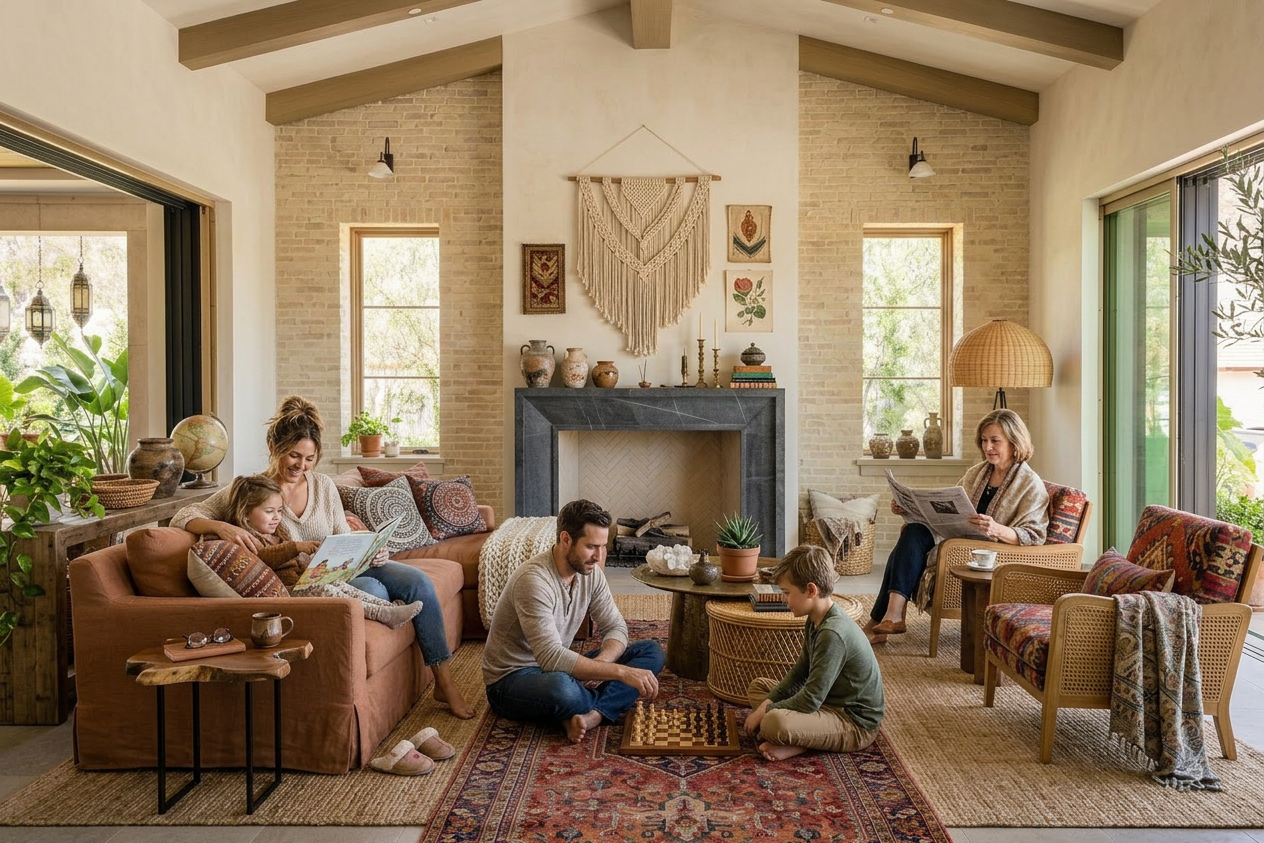
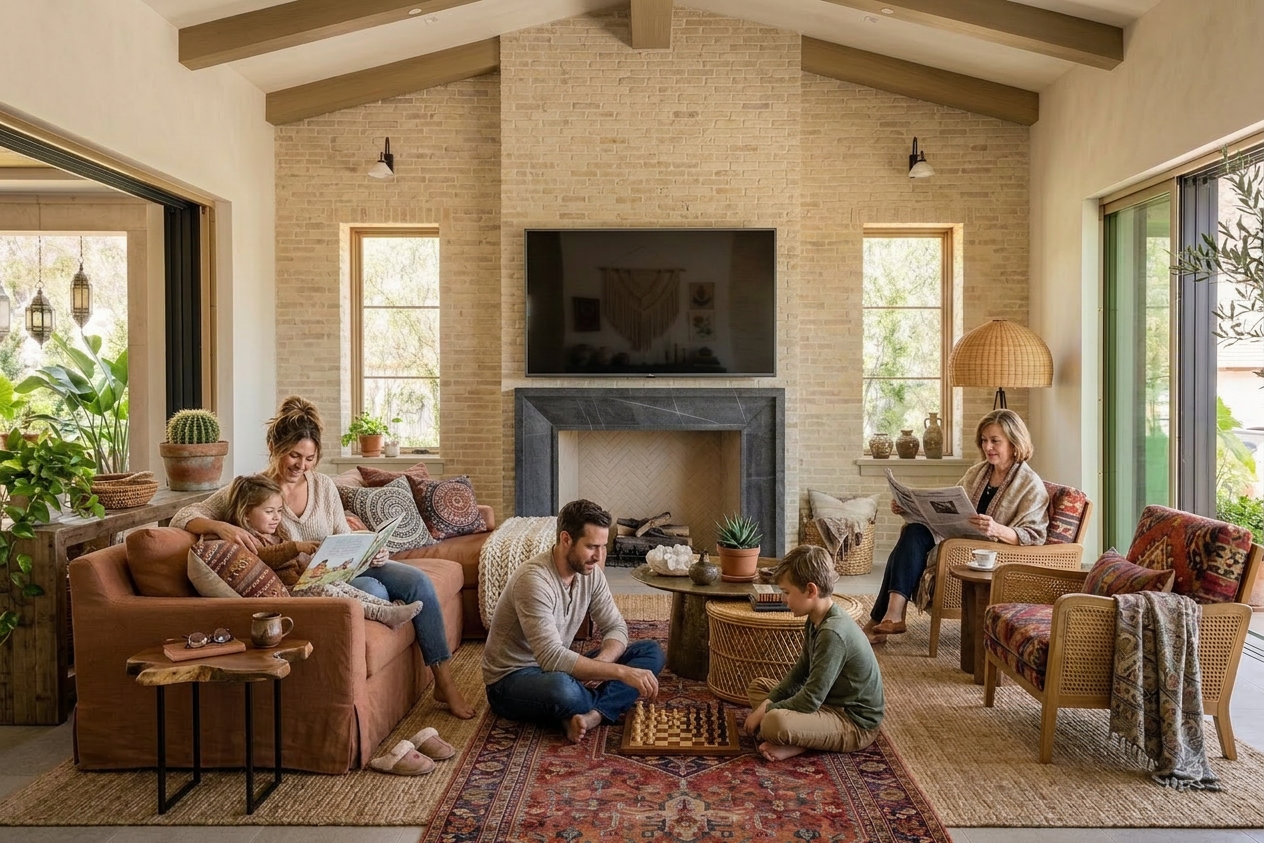
Improve and change your property viewings

View Swap in Seconds

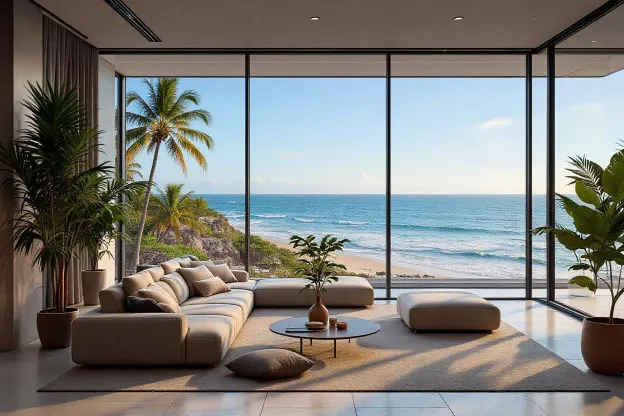
Swap out window views and backgrounds to showcase the best possible perspective of any property.

No credit card required
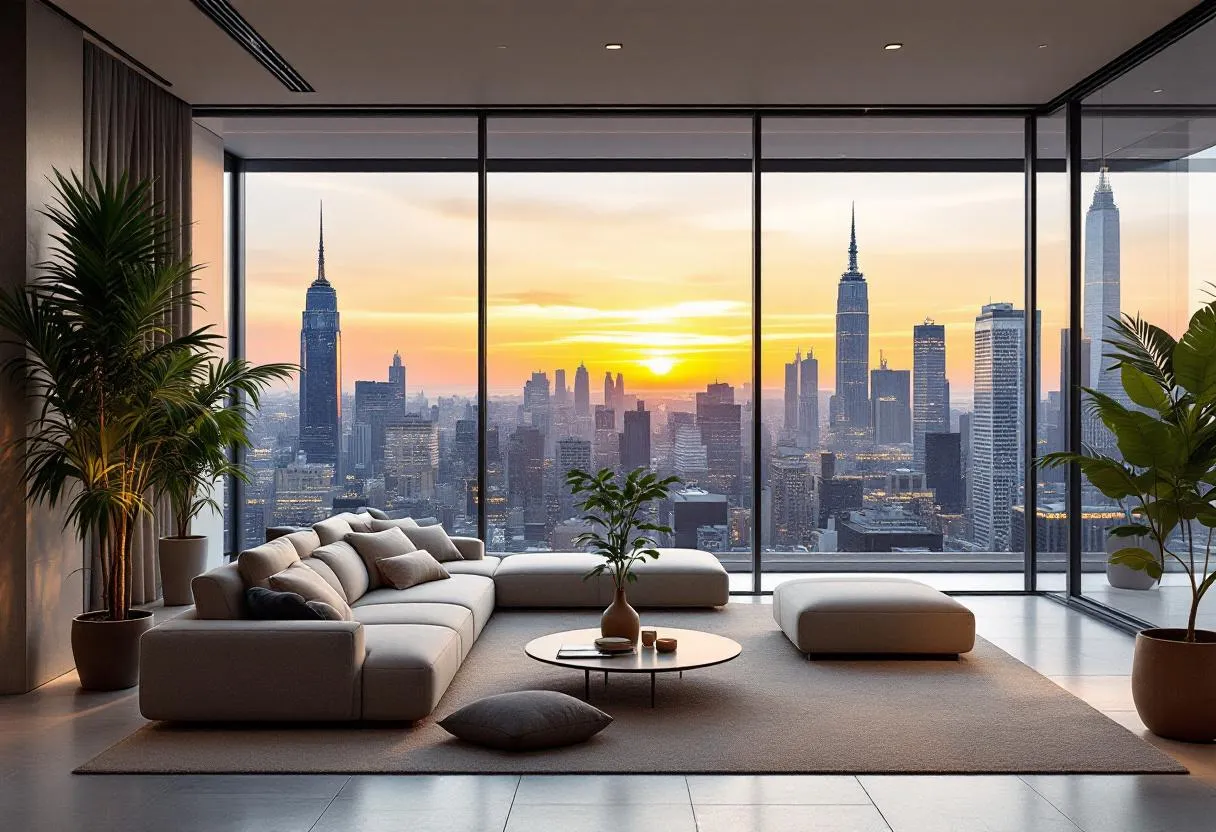
Window with original exterior view before AI perspective adjustment
AI viewpoint correction result - enhanced scenic window view
User 1User 2User 3User 4User 5

Trusted by 5,000+ users

worldwide

Zillow logo
Realtor logo
Redfin logo
Idealista logo
Fotocasa logo
Airbnb logo

People love using BrightShot

Discover why real estate professionals choose BrightShot every day.

Sara Gomez
Sara Gomez
Real Estate Agent

"BrightShot was a game-changer. An old listing that wasn't getting attention sold in just one week. The platform is incredibly simple and the results are fantastic!"

Luca Fonz
Luca Fonz
Real Estate Agent

"I was struggling to sell a dated apartment. After using BrightShot to create stunning renders, interest exploded and it sold immediately. Highly recommended!"

Michael Chen
Michael Chen
Property Investor

"As a property investor, presentation is everything. BrightShot helped me visualize renovation potential and attract buyers who could see the property's true value. ROI increased by 30%!"

Emma Rodriguez
Emma Rodriguez
Home Stager

"I needed professional staging on a tight budget. BrightShot delivered magazine-quality visuals at a fraction of traditional staging costs. My clients love the results!"

David Palmer
David Palmer
Real Estate Photographer

"The AI-powered transformations are incredible! I can now offer virtual staging services to my real estate clients. It's become an essential tool in my photography business."

Jennifer Walsh
Jennifer Walsh
Property Owner

"Selling my inherited property was daunting until I discovered BrightShot. The virtual renovations helped buyers see past the outdated decor. Sold above asking price!"

Zero
Design Skills Required
80+
Design Styles & Spaces
100%
Customizable Results
Change
Colors, Textures Weather
Instantly
Auto–Fill Empty Spaces
Furniture & Decor
Shopping Links
Stunning
Photorealism
Instant
Delivery
Comprehensive
Design
Scalable
AI
+
+
+
+

[ All-in-One Real Estate Marketing Platform ]

One subscription, every listing job done

BrightShot handles the whole real estate marketing workflow with AI: stage rooms, declutter occupied homes, fix lighting, replace skies, build 360° tours, generate cinematic videos, and post to Instagram, TikTok, and Facebook — all from one platform.
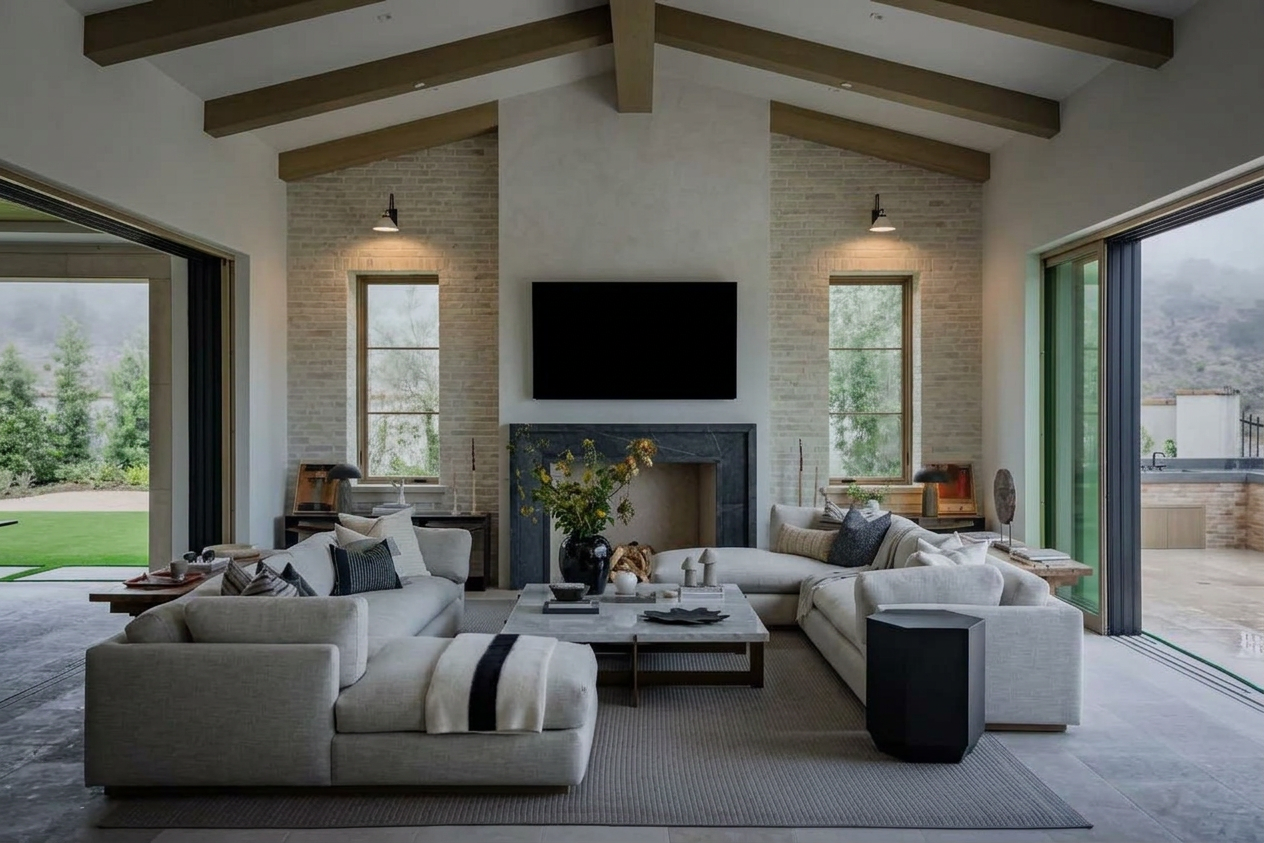
Stage
Declutter
Tour
Video
Post
+ more
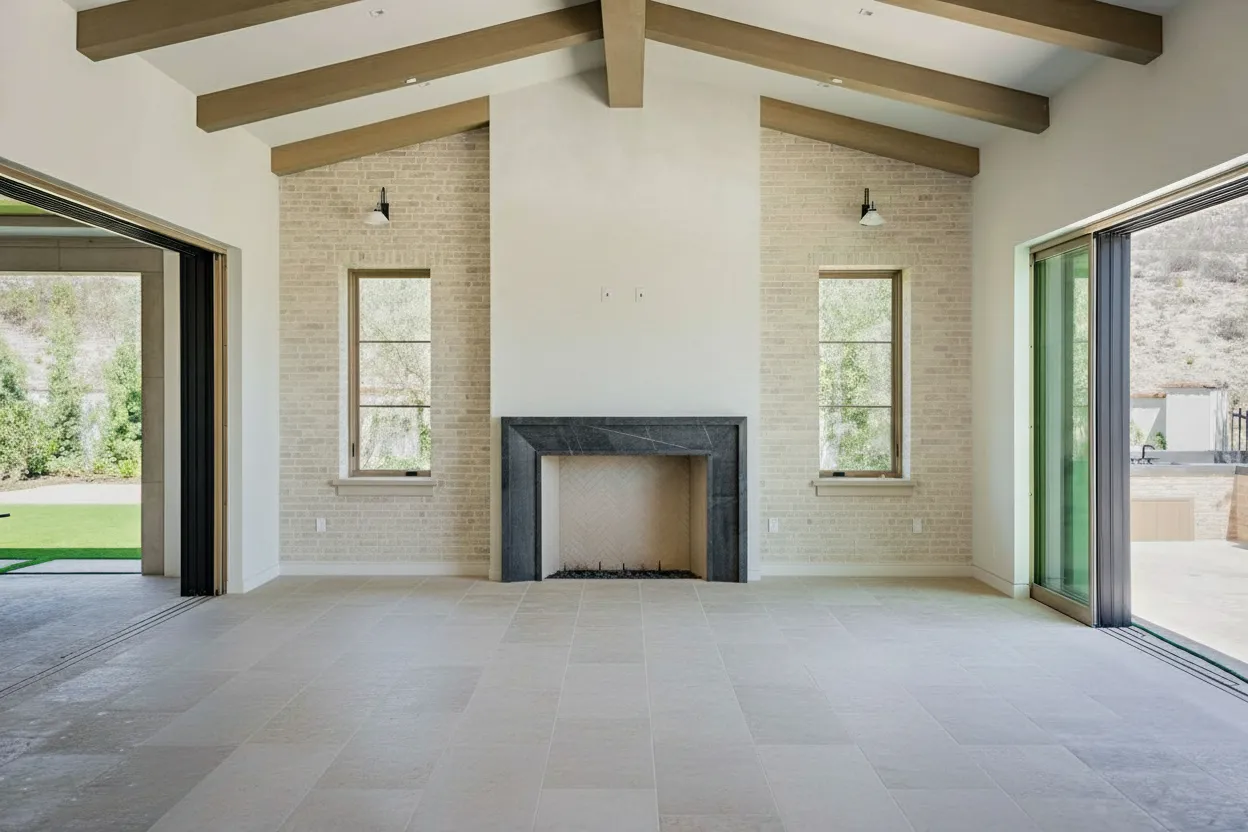
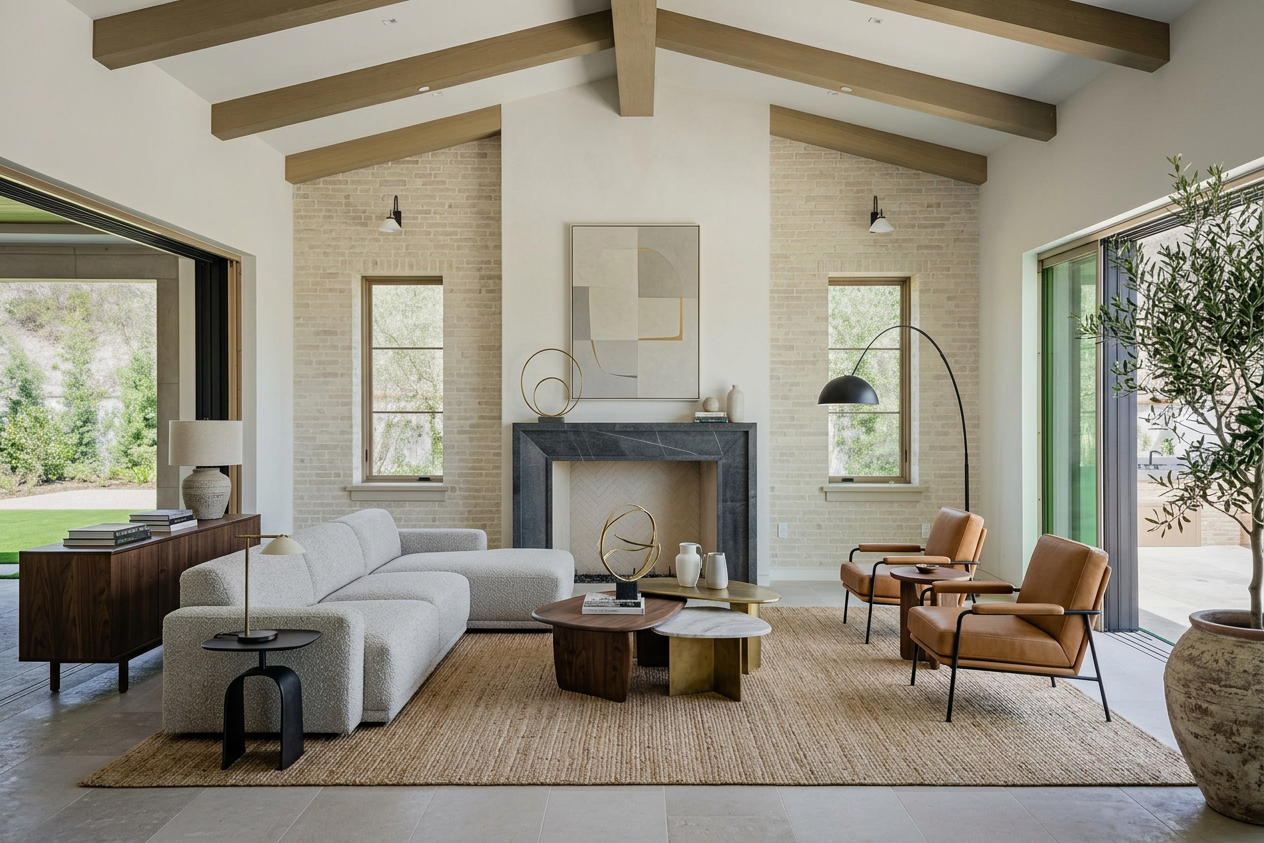
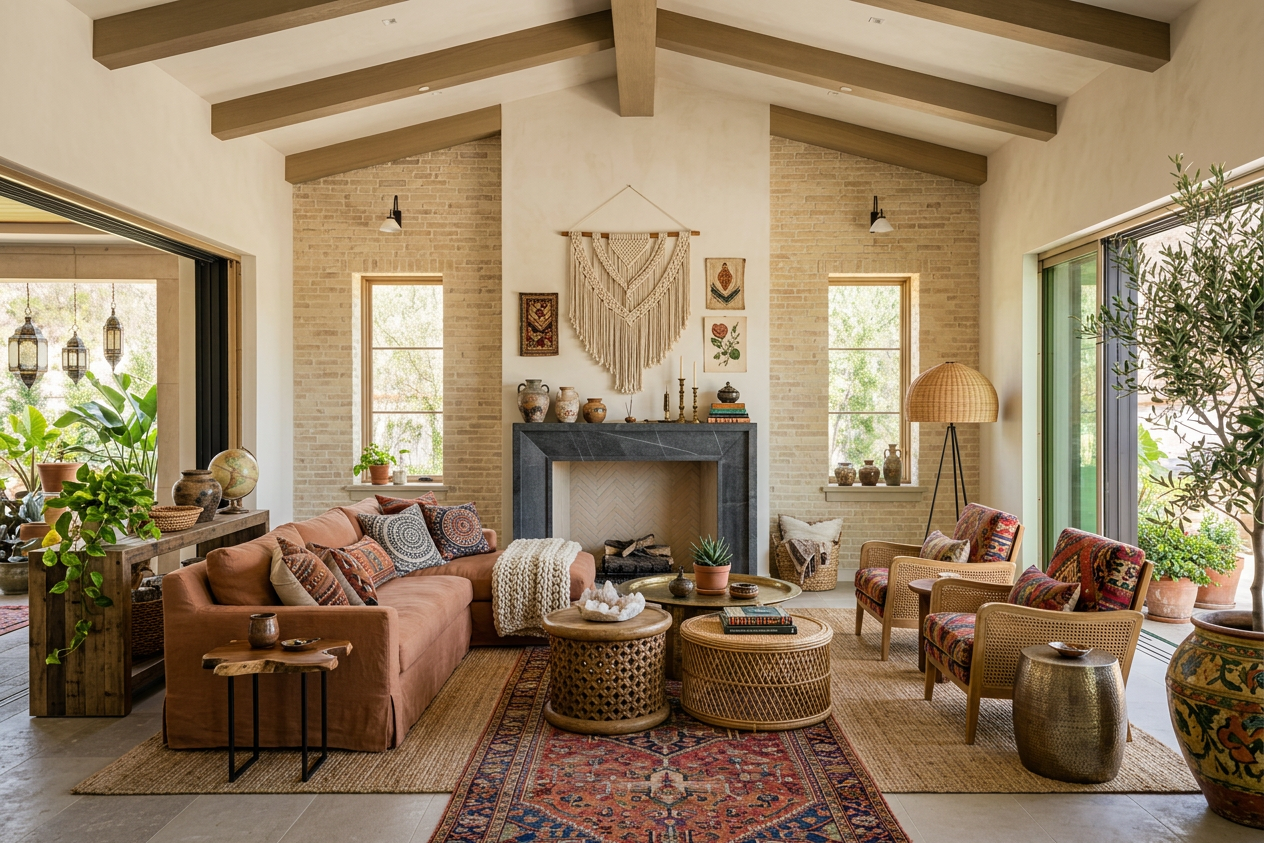
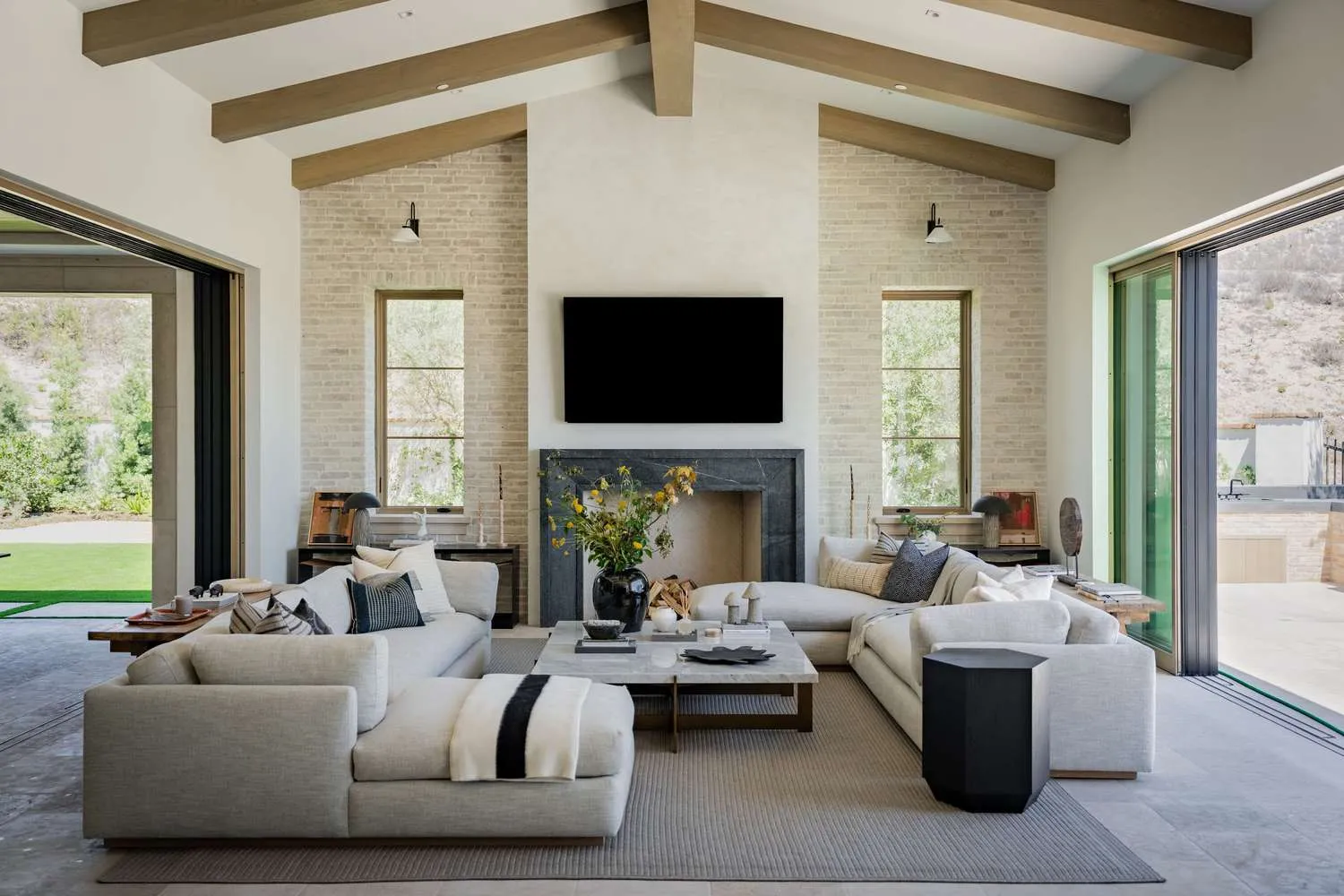
Room transformation 1 Room transformation 2 Room transformation 3 Room transformation 4 Room transformation 5 Room transformation 6 Room transformation 8

Pricing

Professional real estate photography can be expensive. Our plans start at just $19 per month.

Basic

Give BrightShot a try.

$1419/month

$171billed annually

You save$57/year

Billed monthly

80credits per month
All AI modes included
  • Virtual Staging
  • Furniture Removal
  • Photo Declutter
  • Room Redesign
  • AI Room Restyle
  • Lighting Enhancement
  • Perspective View Swap
  • 3D to Photo Render
  • Day to Dusk
  • Sky Replacement
  • Lawn Enhancement
  • Furnish Empty Rooms
  • Add People
  • Photo Upscaling
360° Virtual ToursBuild immersive 360° walkthroughs from panorama photos with clickable hotspots, floor plans, and embed-anywhere links.
Property VideosTurn still photos into cinematic 30-second property videos with music, transitions, and optional AI voiceover.
Social PostingSchedule and publish posts directly to Instagram, TikTok and Facebook — no manual exporting.
API AccessProgrammatic access to every AI mode via REST API. Bulk-process listings or integrate BrightShot into your CRM.

Professional

Most popular

Perfect for growing businesses.

$3749/month

$441billed annually

You save$147/year

Billed monthly

250credits per month
Everything in Basic
Standard SupportEmail support with a response within one business day.

Premium

For power users.

$7499/month

$891billed annually

You save$297/year

Billed monthly

600credits per month
Everything in Professional
Priority SupportFront-of-the-queue email support with a 4-hour response, plus a dedicated onboarding session.
Secure payment via Stripe
+
+
+
+

[ FAQ ]

Frequently AskedQuestions

How does AI adjust camera angles in real estate photos?
Perspective affects perception. BrightShot includes AI camera angle adjustment in the US, correcting distortion and presenting rooms more accurately. Our AI analyzes vanishing lines, camera angle, and field of view to match geometry, aligning horizons and scaling elements for professional, balanced property photos.
Can AI change camera angles in property photos in Spain?
Yes, AI improves balance and proportion. BrightShot enables AI-based camera angle changes for property photos in Spain, correcting skewed views automatically.
What is AI viewpoint correction in the USA?
Viewpoint correction enhances realism. BrightShot applies AI viewpoint correction in the USA, ensuring listing photos look professionally aligned. The AI preserves window frames, mullions, and railings while correcting perspective distortion, making rooms appear naturally balanced and proportioned.
How does AI adjust real estate photo perspective in Spain?
Perspective correction improves clarity. BrightShot offers AI-powered real estate perspective adjustment in Spain, helping rooms appear balanced and natural.
What is Perspective View Swap for windows and balconies?
Perspective View Swap is an AI-powered feature that replaces unappealing exterior views seen through windows, glass doors, or balcony openings with on-brand scenery. It preserves window frames, mullions, railings, and glass characteristics while inserting a realistic, perspective-correct scene—perfect for real estate visuals, marketing mockups, and concept renders.
How does BrightShot keep the perspective and geometry correct?
Our AI analyzes vanishing lines, camera angle, and field of view to match the inserted scenery to your photo’s geometry. It aligns the horizon, scales distant elements accurately, and blends edges around frames and railings so the new view looks naturally captured from your camera position.
Will frames, railings, and reflections look natural after the swap?
Yes. The model preserves occluding elements such as frames, mullions, blinds, curtains, balcony railings, and handles. It also simulates subtle glass effects—reflections, tint, and light transmission—so the swapped view sits behind the glazing instead of on top of it.
Can I choose the new scenery or upload my own brand imagery?
You can pick from preset categories (city skyline, ocean, mountains, park, courtyard, etc.) or upload your own approved brand/backplate image. The AI then matches perspective, exposure, and color temperature for a cohesive, on-brand window scenery editor workflow.
Does it work with angled windows, bay windows, sliding doors, or multi-panel glass?
Absolutely. Perspective View Swap supports complex apertures including bay windows, corner glass, French doors, sliding doors, and multi-panel curtain walls. The AI maps each opening and blends the substituted view across panels and mullions seamlessly.
Can I match time of day, season, or weather in the replacement view?
Yes. Choose options like daytime, golden hour, night, clear, cloudy, or seasonal looks (spring/summer/fall/winter). The system harmonizes white balance and contrast so interior lighting and exterior scenery feel consistent.
Is swapping window views allowed for MLS listings?
Rules vary by market and MLS. Many MLS boards allow enhanced images if they are clearly disclosed and not misleading about fixed property attributes. We recommend checking your local MLS guidelines and adding a short disclosure if required.
Is it suitable for marketing mockups and concept presentations?
Yes—this feature is ideal for brochures, landing pages, new-build concept visuals, and brand mockups. It quickly replaces bland or distracting views with aspirational scenery that aligns with your campaign while keeping interiors authentic.
How long does a view swap take?
Most images process in minutes. Batch processing is supported, so you can swap views across an entire photo set quickly without manual masking or compositing.
What image formats and resolution work best?
Upload standard formats like JPEG or PNG. For crisp results—especially around frames and railings—use high-resolution photos (at least 2000 px on the long edge). Smartphone photos work great if they’re sharp and well-exposed.
Does it handle heavy glare or very reflective glass?
Yes, the AI accounts for glass highlights and reflections. For extreme glare, try a version shot with reduced exposure; the feature will still preserve realistic reflection cues while placing the new view behind the glass.
Any shooting tips for the best perspective swap?
For optimal results:
Shoot straight and level when possible (avoid strong roll).
Expose for the interior and avoid blown highlights.
Keep frames/railings fully in view.
Use a tripod for sharpness.
Capture a slightly wider framing to give the AI more context.
Can I revert to the original view or compare before/after?
Yes. Keep both versions—original and swapped—and quickly compare before/after. You can export either version whenever you need.
Will Perspective View Swap remove cranes, construction, or neighboring buildings?
If they’re seen through the opening, the swap replaces them with the selected scenery while preserving window geometry. Exterior elements that are part of the interior (e.g., reflections or interior decor) remain unchanged for realism.
Can I combine view swap with decluttering, lighting enhancement, or virtual staging?
Definitely. Replace the exterior view with perspective view swap, declutter the room, brighten lighting, and add virtual staging—all in one workflow—to produce polished, listing-ready real estate visuals.
How is pricing handled for Perspective View Swap?
View Swap is available within BrightShot plans alongside other AI transformations. Choose the plan that fits your volume; you can upgrade or purchase extra credits as needed.

Still have questions?

+
+
+
+
+
+
+
+
Built for real estate professionals

Try BrightShot Free

Join 5,000+ real estate agents using AI to enhance photos, stage rooms, build 360° tours, generate property videos, and post to Instagram, TikTok & Facebook — all from one platform.