AI Lighting Enhancement & Day-to-Dusk Conversion for Real Estate
Brighten interiors, balance shadows, and convert daytime exteriors into photorealistic twilight photos in seconds — no Photoshop, no second shoot at golden hour.
- Day-to-dusk in seconds
- Window pull · exposure · glow
- Unlimited photos, $19/mo flat
- MLS · Zillow · Instagram ready
No credit card required


Trusted by 5,000+ users
worldwide






What is AI Lighting Enhancement & Real Estate Photo Enhancement?
AI lighting enhancement is a real estate photo enhancement workflow that fixes exposure, balances shadows and highlights, corrects color cast, and converts daytime exteriors into photorealistic real estate twilight photos in seconds — no Photoshop bracketing, no $150-$400 twilight shoot, no generic photo brightener AI smearing your architecture. BrightShot's model is trained on real estate photos specifically, so it lifts shadows and fixes window pull while preserving trim, hardware, and material textures. Pair with AI photo declutter to ship a brightened, decluttered listing straight to MLS.
HDR-style range
Single exposure to HDR composite — no bracketing.
Real-estate trained
Preserves trim, mullions, and hardwood textures.
MLS-ready output
Zillow, Realtor.com, Idealista — no export pass.
[ Benefits ]
AI lighting enhancement — built for listing workflows
AI Day-to-Dusk Conversion
Convert any daylight exterior into a photorealistic real estate twilight photo in seconds — dusk sky, warm interior glow, lit landscaping, no second shoot. The AI day-to-dusk workflow replaces the $150-$400 twilight photography service on every listing, hero or not.
Brighten Dark Interior Photos
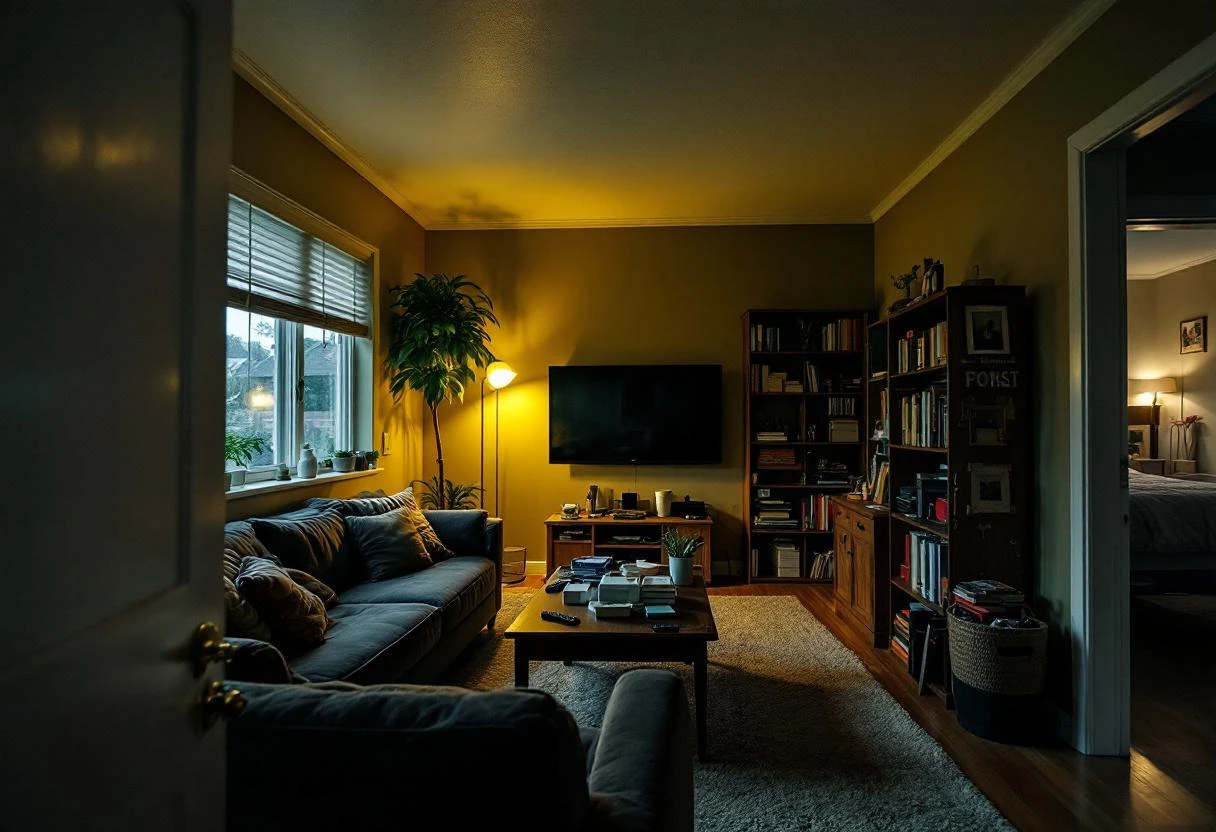
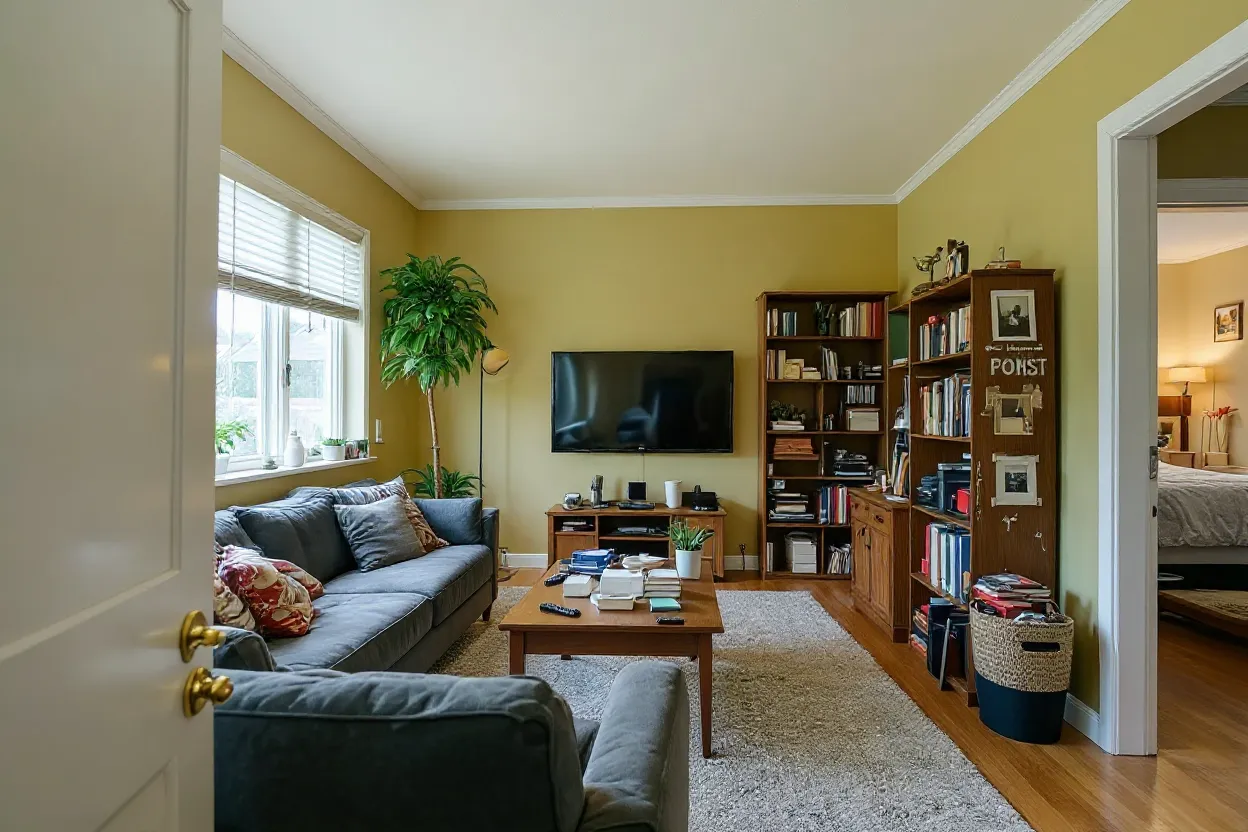
Brighten dark photos selectively without flattening contrast. The AI lifts shadows in dim hallways, basements, and north-facing rooms while keeping walls true-to-color and windows un-blown — no manual exposure edits, no Lightroom presets that wash out the architecture.
Shadow & Highlight Balance
HDR-style tonal balance from a single exposure. The AI recovers highlight detail in bright skies and lifts the shadow side of the house, giving listings the dynamic range of a five-exposure bracket without bracketing — and without the Photoshop layer stack.
Window Pull & Glare Fix
The classic interior problem: bright windows blow out and the room reads dark. AI window pull rebalances the exposure between the view outside and the interior so buyers can see both the room and the view — the way the eye actually sees it on a property tour.
Multi-Image Batch Processing
Run an entire 30-photo listing through brightness fixes or day-to-dusk conversion in one session. No per-image queue, no per-photo invoice, no waiting for a real estate photo editing service to clear backlog the day before MLS deadline.
MLS & Portal-Ready Output
Photos export at full listing resolution sized for MLS, Zillow, Realtor.com, Redfin, Idealista, and Compass — no further export, no resizing pass. Watermark and brand kit options bake in for photographers reselling the lighting edit to agent clients.

"BrightShot was a game-changer. An old listing that wasn't getting attention sold in just one week. The platform is incredibly simple and the results are fantastic!"

"I was struggling to sell a dated apartment. After using BrightShot to create stunning renders, interest exploded and it sold immediately. Highly recommended!"

"As a property investor, presentation is everything. BrightShot helped me visualize renovation potential and attract buyers who could see the property's true value. ROI increased by 30%!"

"I needed professional staging on a tight budget. BrightShot delivered magazine-quality visuals at a fraction of traditional staging costs. My clients love the results!"

"The AI-powered transformations are incredible! I can now offer virtual staging services to my real estate clients. It's become an essential tool in my photography business."

"Selling my inherited property was daunting until I discovered BrightShot. The virtual renovations helped buyers see past the outdated decor. Sold above asking price!"
[ How It Works ]
How AI Lighting Enhancement Works
Three steps from underexposed daylight photo to brightened or twilight listing image
1. Upload your listing photo
Drop in any real estate photo straight from the shoot — JPEG or PNG up to 20MB. Interior, exterior, daylight, overcast, smartphone, DSLR, drone — the AI works on whatever the camera produced. No bracketing required, no HDR setup.
2. AI analyzes lighting and sky
BrightShot maps shadows, highlights, color cast, window pull, and (for day-to-dusk) the geometry of the house, windows, and landscaping. Pick brighten, balance, or twilight conversion — the AI returns the enhanced photo in seconds, regenerate as many variants as you need.
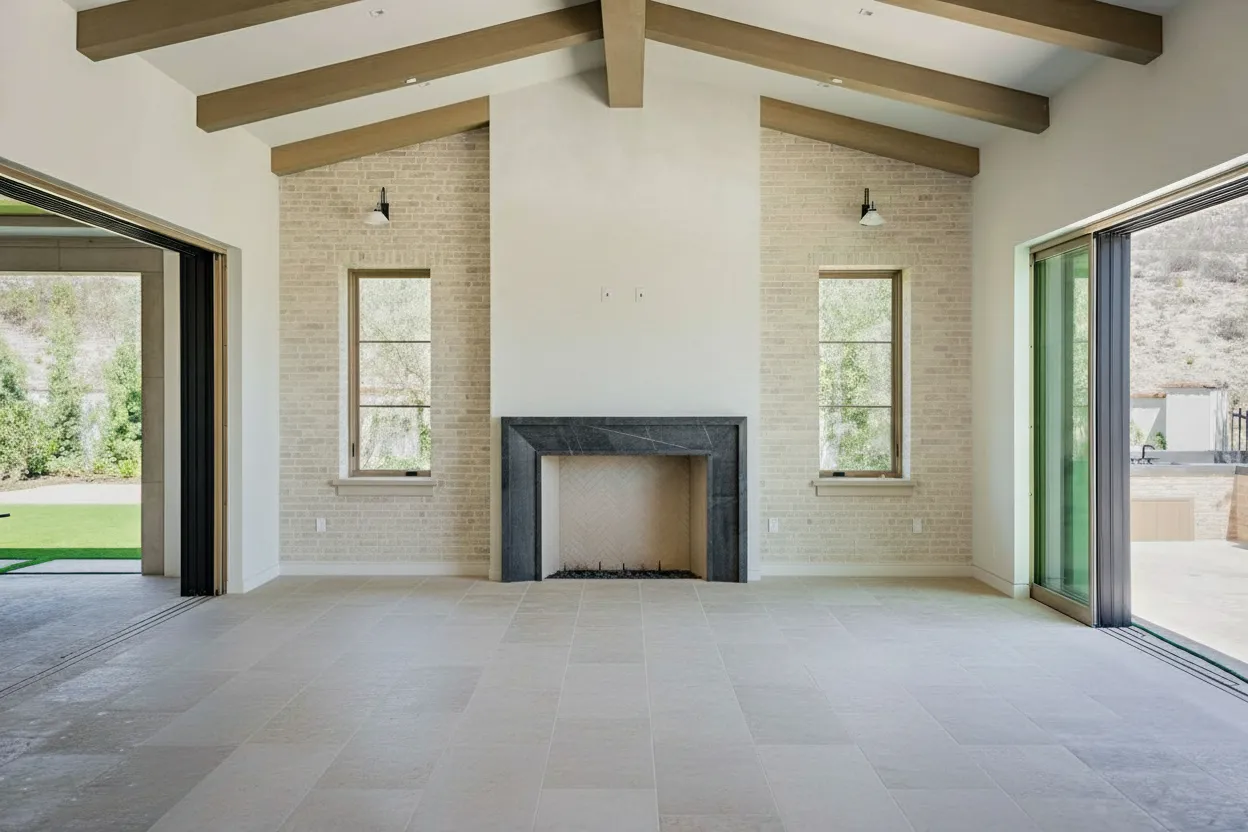
3. Download MLS-ready and publish
Download at full listing resolution. Upload directly to MLS, Zillow, Realtor.com, Redfin, or Idealista, or pair the brightened version with the day-to-dusk twilight version to give the listing both daytime and evening hero shots.
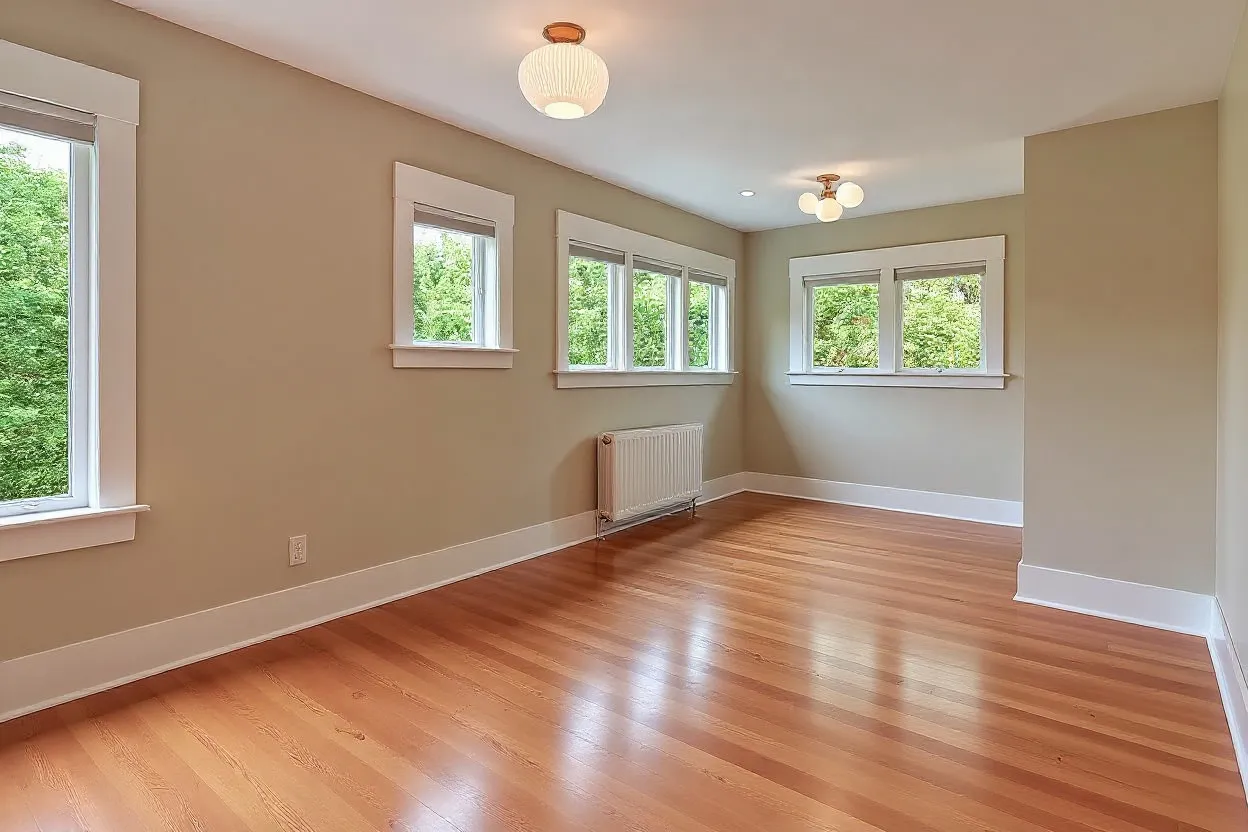
Why agents pick AI over Photoshop and twilight shoots
AI lighting enhancement and day-to-dusk conversion at $19/month vs $150-$400 per twilight shoot or $25-$75 per photo from a real estate editor
 BrightShot AI
 Seconds per photo
Upload, AI brightens or converts to dusk, download — no queue
$19/month flat
Unlimited lighting edits and day-to-dusk plus 13 other AI modes
No Photoshop skill required
Drag, drop, done — no HDR bracketing, no layer stacks, no clone-stamp
No second shoot
Day-to-dusk from any daytime photo — no return trip at golden hour
Real estate trained
AI knows what to keep architectural and what to rebalance
Pairs with sky, lawn, declutter
Same dashboard for lighting, sky replacement, lawn, virtual staging
Real Estate Twilight Photography Without the 5pm Shoot
AI day-to-dusk conversion replaces the $150-$400 twilight photography service with a single upload. The AI maps house geometry, windows, and landscaping, then returns a photorealistic real estate twilight photo with dusk sky, warm window glow, lit landscaping, and pool/driveway reflections that read like a real evening shoot — no return trip at golden hour, no weather risk, no Photoshop bracketing. Pair the day-to-dusk output with sky replacement on the daytime version for two distinct hero options per listing.
Replaces $150-$400 shoot
No second visit, no golden-hour weather risk.
10x twilight inventory
Multiple dusk variants per daytime exterior.
Hero in 15 seconds
11am shoot, 11:05 dusk hero ready for MLS.

Built for Real Estate Operators
Real Estate Agents
Drop in any underexposed listing photo and get a brightened, MLS-ready version in seconds. Convert one daytime hero exterior to a real estate twilight photo per listing for the price of a single twilight shoot — across an unlimited number of properties on a $19/month subscription.
Listing Photographers
Rescue underexposed shoots without re-visiting the property. Fix lighting in photo deliverables when the shoot ran late, the basement was darker than expected, or the weather flattened the exteriors. Add day-to-dusk twilight as an upsell line item with zero extra time on site.
Property Managers
Standardize brightness and color across rental portfolio photos so every unit reads consistent on the leasing site. Brighten dark interiors of apartments shot in low-light hallways and turnover windows, then ship clean, evenly lit photos to the listing portal the same day.
Real Estate Twilight Photography Specialists
10x the volume of twilight deliverables without 10x the evenings on a tripod. Run twilight photo editing across every daytime image you shot at the property, ship multiple dusk variants per listing, and offer day-to-dusk packages at price points that didn't pencil before AI.
Airbnb & VRBO Hosts
Warmer, more inviting evening shots for short-term rental listings without staging a real evening shoot. Convert a daytime exterior to dusk for the cover image and brighten the interiors so the property reads cozy and lived-in — bookings respond better to evening mood than to flat afternoon light.
Real Estate Developers
Twilight renderings of new-construction properties before the building is finished and before the first shoot is scheduled. Pair AI lighting enhancement with <a href='/features/3d-to-photo-render/' class='text-accent hover:underline'>3D-to-photo architectural renders</a> to deliver dusk hero shots for presales decks while the foundation is still curing.
[ All-in-One Real Estate Marketing Platform ]
One subscription, every listing job done
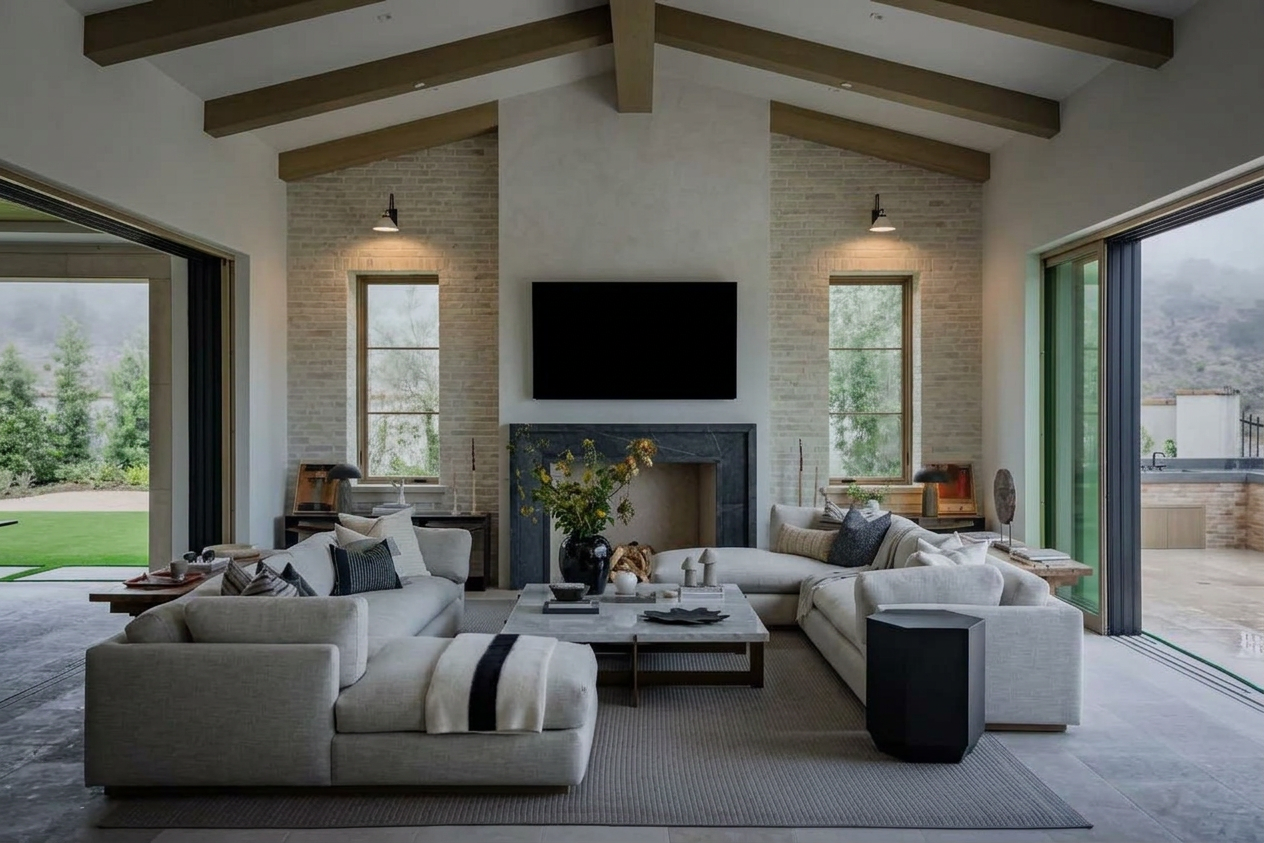
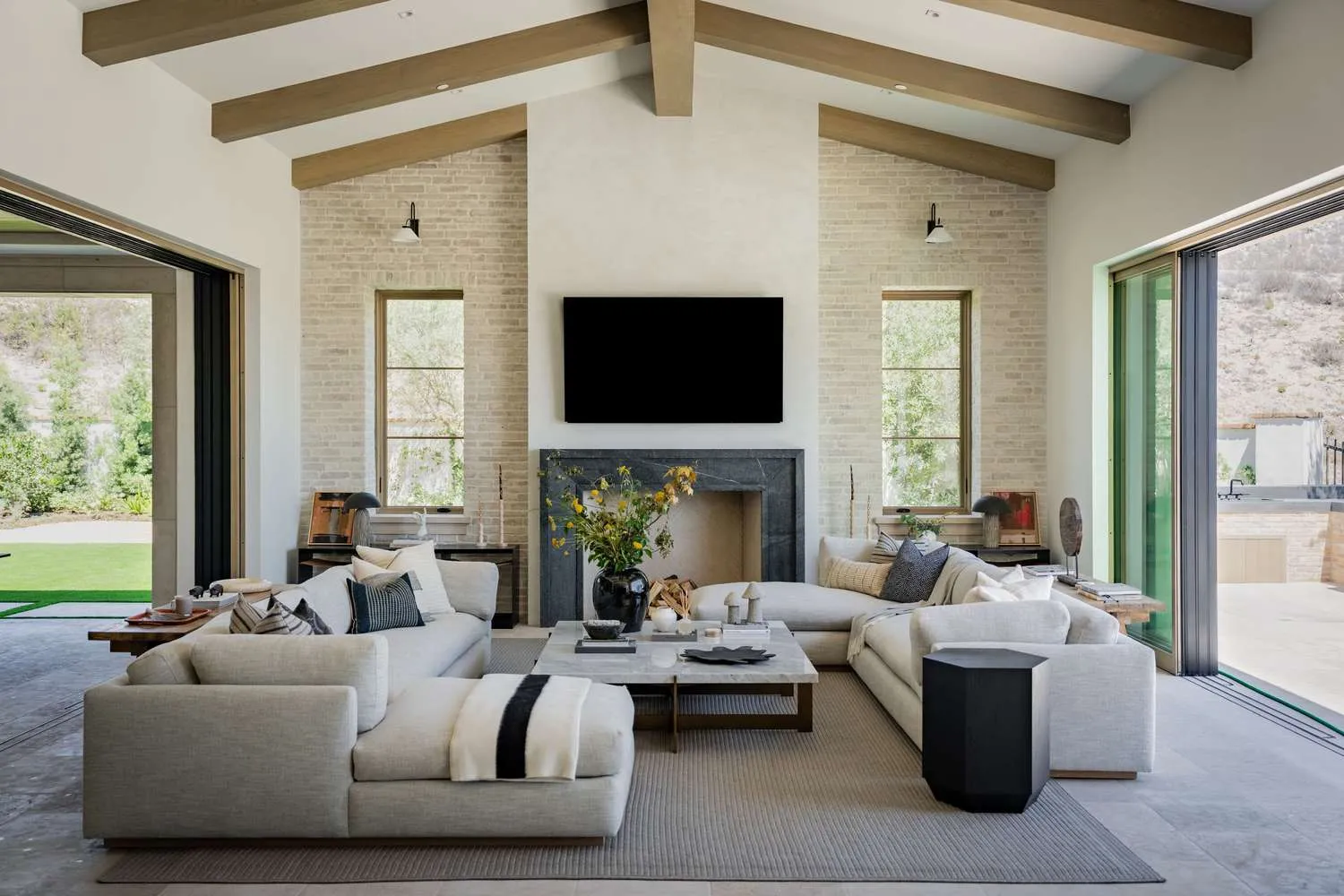
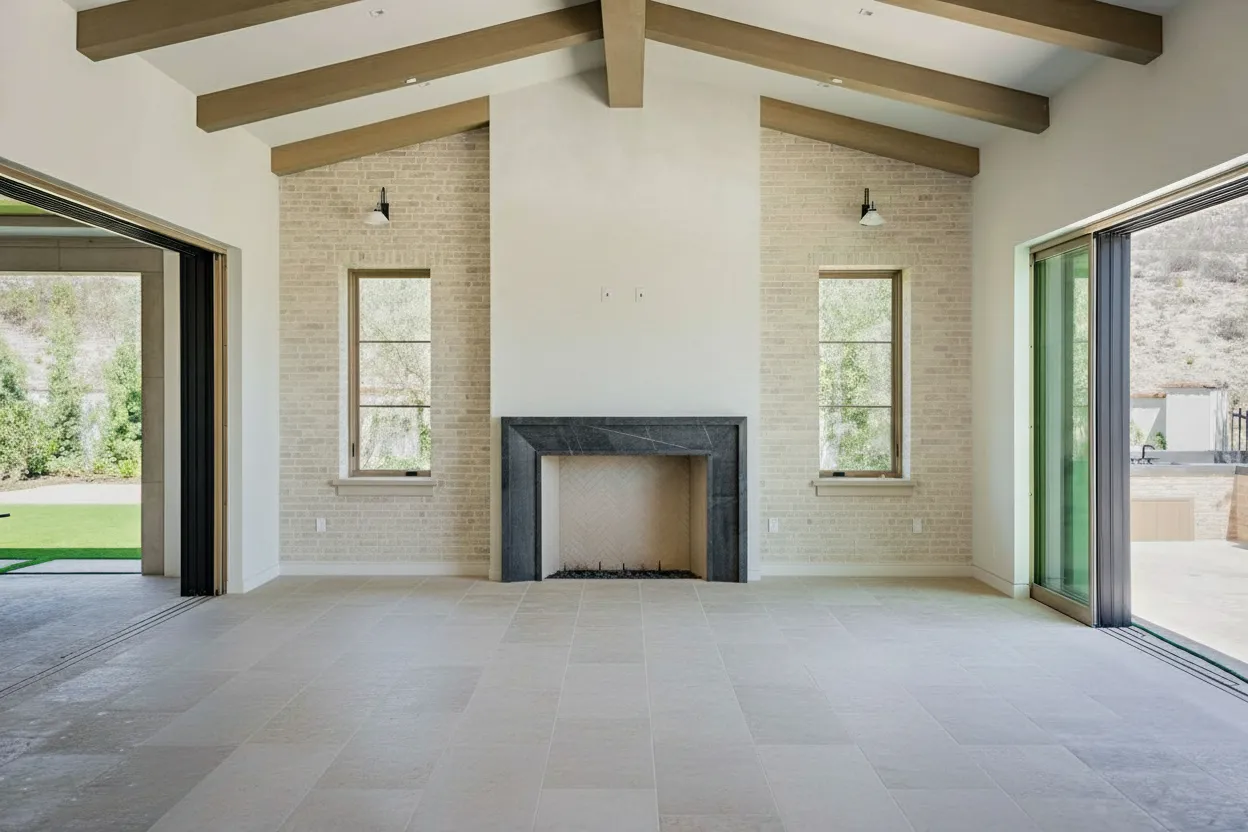
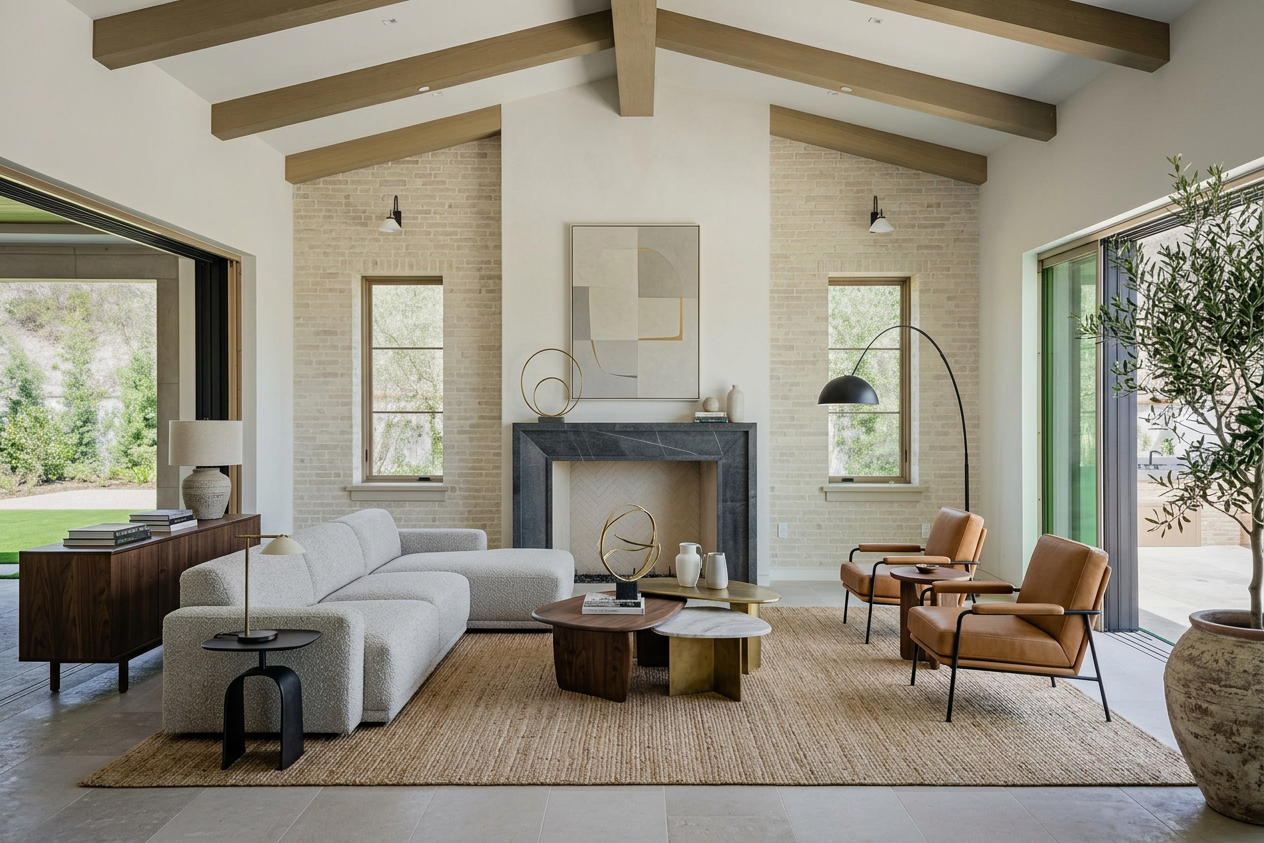
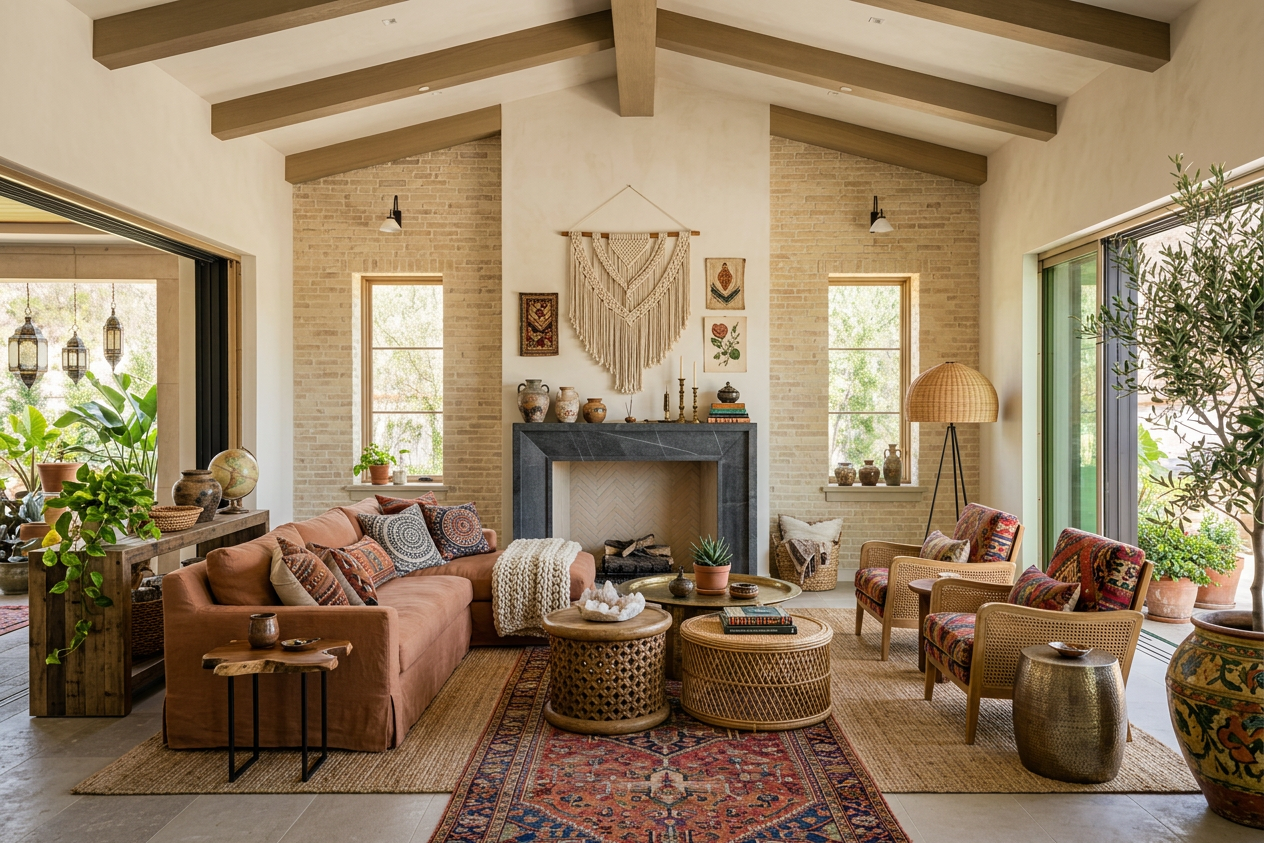
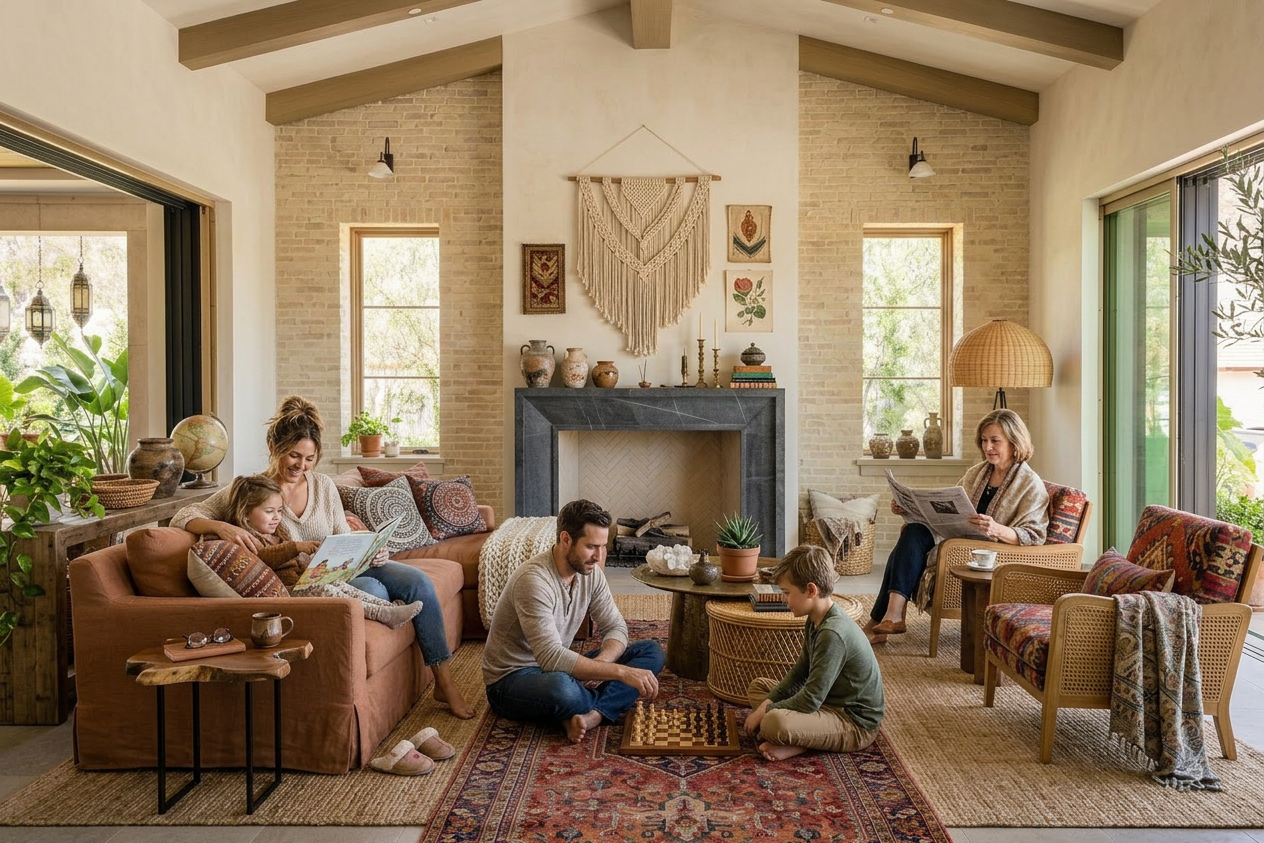
BrightShot handles the whole real estate marketing workflow with AI: stage rooms, declutter occupied homes, fix lighting, replace skies, build 360° tours, generate cinematic videos, and post to Instagram, TikTok, and Facebook — all from one platform.
Pricing
Professional real estate photography can be expensive. Our plans start at just $19 per month.
Basic
Give BrightShot a try.
$171billed annually
You save$57/year
Billed monthly
- Virtual Staging
- Furniture Removal
- Photo Declutter
- Room Redesign
- AI Room Restyle
- Lighting Enhancement
- Perspective View Swap
- 3D to Photo Render
- Day to Dusk
- Sky Replacement
- Lawn Enhancement
- Furnish Empty Rooms
- Add People
- Photo Upscaling
Professional
Most popularPerfect for growing businesses.
$441billed annually
You save$147/year
Billed monthly
Premium
For power users.
$891billed annually
You save$297/year
Billed monthly
Fix Lighting in Photo: Three Real Estate Problems AI Solves
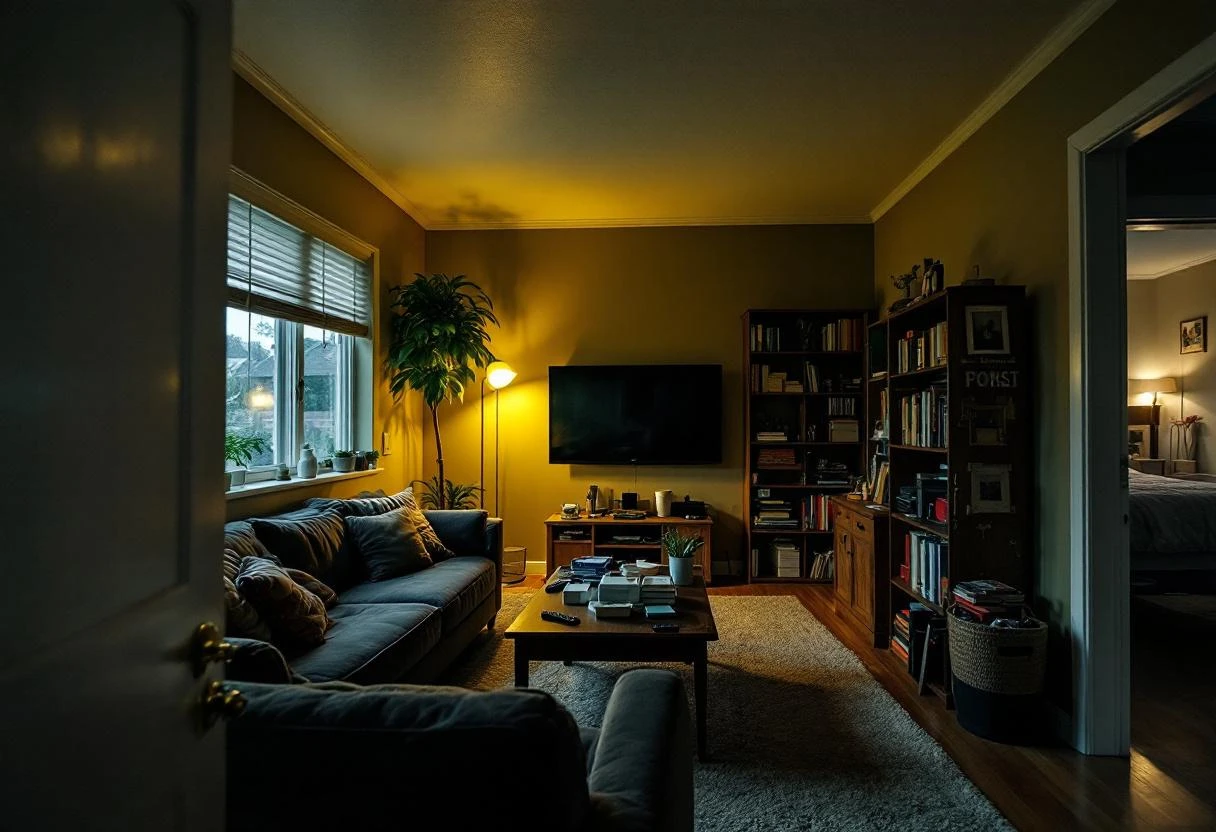
BrightShot's AI photo lighting fixes three real estate lighting problems from one dashboard: dark interior photos (lifts shadows in dim hallways, basements, and north-facing rooms while neutralizing tungsten/fluorescent color cast), harsh midday exteriors (recovers blown-out skies and balances the shadow side of the house with HDR-style tonal range from a single exposure — no bracketing), and day-to-dusk conversion (turns any noon exterior into a photorealistic twilight photo with dusk sky, warm window glow, and lit landscaping). The day-to-dusk photo editing workflow used to take a Photoshop expert 45-90 minutes at $30-$75 per photo from a real estate photo editor — now seconds at $19/month flat. Pair with sky replacement for a clean blue swap before the dusk variant.
Dark interiors fixed
Lifts shadows, kills tungsten cast, keeps walls true.
Window pull rebalanced
See the room and the view — no blown windows.
Day-to-dusk conversion
$30-$75 Photoshop edit replaced with one upload.
How Much Does Real Estate Twilight Photography Cost?
Real estate twilight photography cost depends on the lane. Traditional twilight photography services run $150-$400 per property (return visit, bracketing, two hours in Photoshop). Per-image day-to-dusk editors bill $30-$75 with 24-48 hour turnaround. BrightShot is $19/month flat for unlimited AI lighting enhancement plus unlimited day-to-dusk, plus 13 other AI photo modes (declutter, virtual staging, sky replacement, lawn enhancement, video, tours) — break even on a single twilight shoot in the first month. See full pricing, compare with virtual staging, or read the declutter-home-for-sale guide.
$19/month flat
Unlimited lighting plus 13 other AI photo modes.
$150-$400 twilight shoot
Replaced by AI day-to-dusk on every listing.
$30-$75 per-image editor
Beaten by one upload, no 24-48 hour wait.
[ FAQ ]
Frequently AskedQuestions
How does AI create HDR real estate photos?
What tools offer AI photo lighting correction in the USA?
How does AI lighting enhancement help real estate photos in the US?
Can AI brighten real estate photos in Spain?
What is AI lighting enhancement for interior photos?
How does AI brighten dark interior photos?
Can AI fix color cast in real estate photos?
What is exposure correction and how does it help real estate photos?
How does AI create an HDR look in property photos?
What is the window pull effect in real estate photography?
Can AI lighting enhancement make small rooms look bigger?
Does AI lighting enhancement work on all types of interior lighting?
How does AI lighting enhancement compare to professional photography?
Can lighting enhancement fix photos taken with smartphones?
Will AI lighting enhancement make my photos look unnatural or over-processed?
How does white balance correction improve real estate photos?
Can AI enhance lighting in basements and windowless rooms?
Does lighting enhancement work on photos with mixed natural and artificial light?
How long does AI lighting enhancement take to process?
Still have questions?
Pair with these features
Combine multiple AI tools for even better results
AI Furniture Removal
Upload an occupied listing. Get a clean, vacant-looking photo in seconds. AI furniture removal and real estate photo enhancement from $19/month — no Photoshop, no editor queue, no $25-per-photo invoices.
Virtual Staging
Upload an empty room. Get photorealistic staging in 15 seconds. No designers, no waiting, no furniture rental — virtual staging from $19/month vs $1,500–$5,000 for a traditional home stager.
Real Estate Video Maker
AI real estate video editor that turns listing photos into walkthrough videos, drone-style cuts, and vertical reels — no filming, no editing software, no camera crew. Ready for MLS, Zillow, Instagram Reels, TikTok, and YouTube.
Try BrightShot Free
Join 5,000+ real estate agents using AI to enhance photos, stage rooms, build 360° tours, generate property videos, and post to Instagram, TikTok & Facebook — all from one platform.