Real Estate Videos, Built from Your Listing Photos
AI real estate video editor that turns listing photos into walkthrough videos, drone-style cuts, and vertical reels — no filming, no editing software, no camera crew. Ready for MLS, Zillow, Instagram Reels, TikTok, and YouTube.
No credit card required


Trusted by 5,000+ users
worldwide






From Listing Photos to Cinematic Property Video
BrightShot's AI real estate video maker and AI listing video generator turns 5–15 listing photos into a 30-second cinematic property video — no filming, no editing software, no video crew. The AI sequences a real estate walkthrough video, adds Ken Burns camera moves and parallax, then exports for MLS, Zillow, Instagram Reels real estate, TikTok property video, and YouTube in under five minutes.
Auto walkthrough order
Exterior, entry, living, kitchen, beds, baths, outdoor.
Beat-matched transitions
Ken Burns parallax synced to chosen music track.
Cheaper than a crew
$19/mo vs $200–$1,500 per videographer shoot.
[ Benefits ]
Real estate video editor — more than a generator
Photos to video
Upload 5–15 listing photos and the AI assembles a cinematic property video with camera moves, transitions, and music — no filming or editing skills required.
AI camera movements
Smart Ken Burns pans, parallax zooms, and beat-matched transitions highlight each room's best feature. Sequencing follows the natural buyer walkthrough order.
Music & voiceover
Pick from 4 royalty-free moods (cinematic, upbeat, chill, ambient) or add AI voiceover narration via OpenAI TTS — warm female (nova) or deep male (onyx).
Multi-platform export
Auto-export 9:16 (Reels, TikTok, Stories), 16:9 (MLS, Zillow, YouTube), and 1:1 (Facebook feed) from the same project — no re-editing per platform.
Ready in minutes
From upload to finished MP4 in under 5 minutes. Compare that to $200–$1,500 + days of turnaround for a traditional videographer.
Built for engagement
Listings with video receive 403% more inquiries (NAR). Every BrightShot video is sized and paced for the platforms agents actually post on — not generic templates.

"BrightShot was a game-changer. An old listing that wasn't getting attention sold in just one week. The platform is incredibly simple and the results are fantastic!"

"I was struggling to sell a dated apartment. After using BrightShot to create stunning renders, interest exploded and it sold immediately. Highly recommended!"

"As a property investor, presentation is everything. BrightShot helped me visualize renovation potential and attract buyers who could see the property's true value. ROI increased by 30%!"

"I needed professional staging on a tight budget. BrightShot delivered magazine-quality visuals at a fraction of traditional staging costs. My clients love the results!"

"The AI-powered transformations are incredible! I can now offer virtual staging services to my real estate clients. It's become an essential tool in my photography business."

"Selling my inherited property was daunting until I discovered BrightShot. The virtual renovations helped buyers see past the outdated decor. Sold above asking price!"
[ How It Works ]
How AI Generates Your Video
Three steps from listing photos to platform-ready cinematic property video
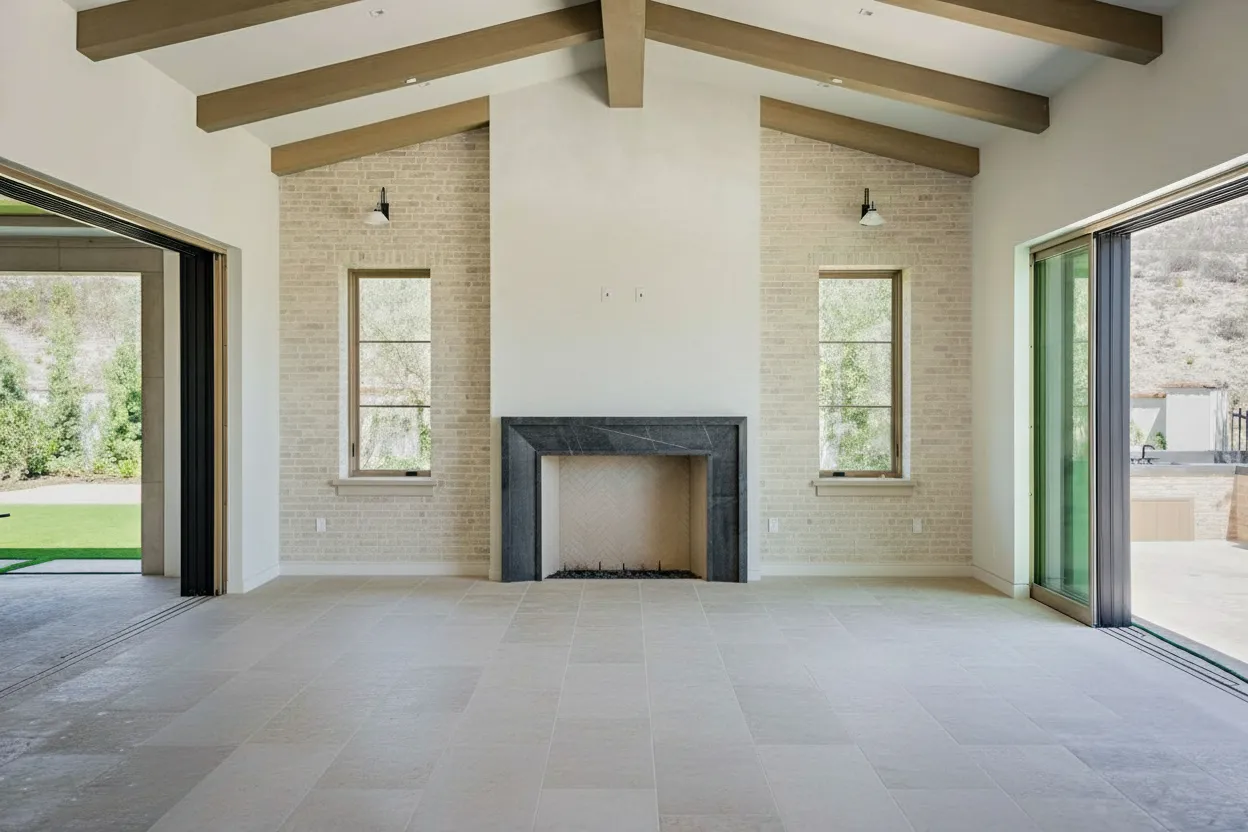
1. Upload listing photos
Drop in 5–15 photos. Order them like a buyer walkthrough (exterior → entry → living → kitchen → beds → baths → outdoor) or let the AI sequence them automatically. Photos can be straight from a phone, DSLR, or after running through BrightShot enhancement.
2. AI generates camera moves & music
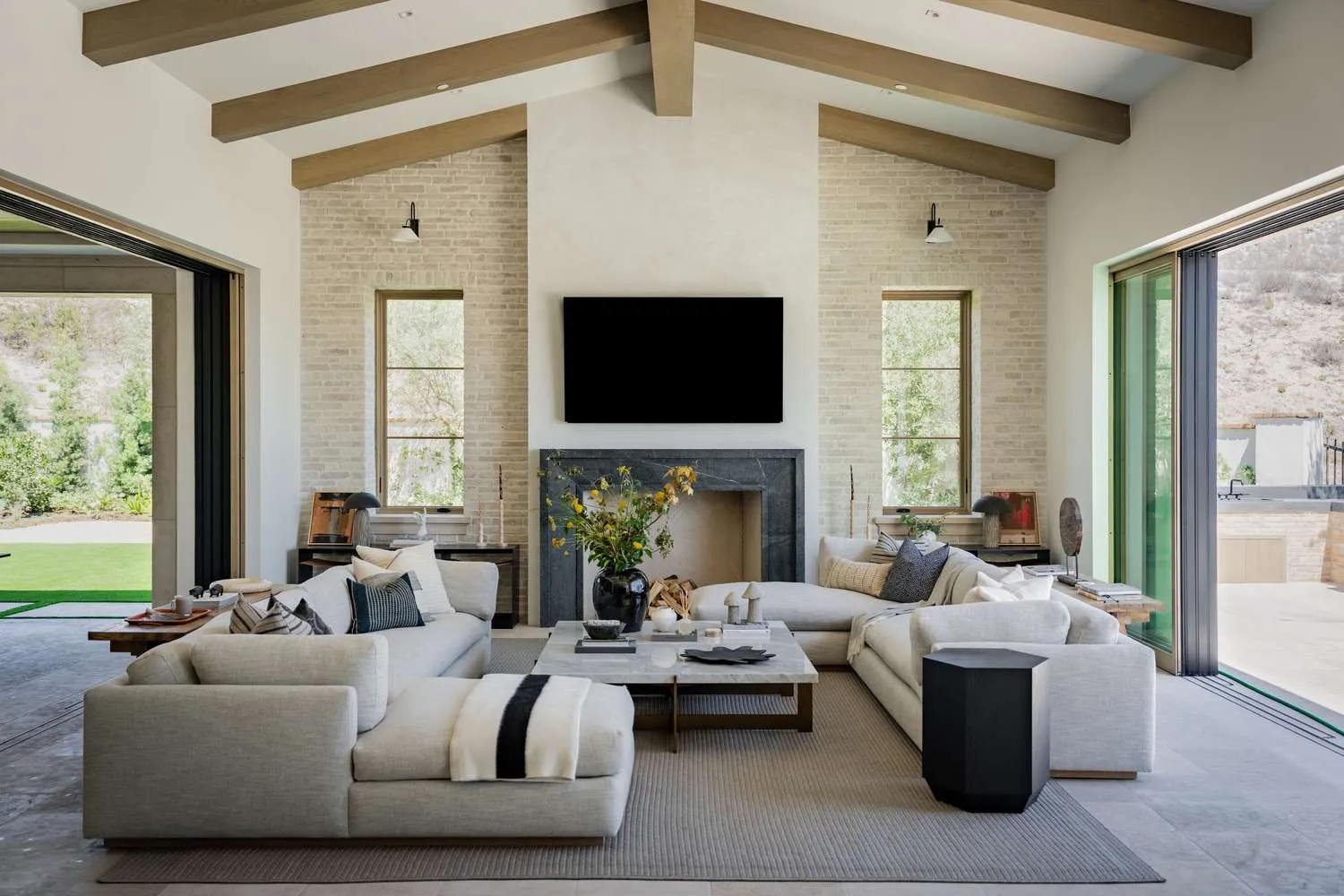
BrightShot adds Ken Burns pans and parallax zooms tailored to each photo, beat-matches transitions to your chosen music mood (cinematic, upbeat, chill, ambient), overlays your property info bar, and optionally generates an AI voiceover from your script via OpenAI TTS.
3. Export per platform
One project renders as 9:16 (Reels, TikTok, Stories), 16:9 (MLS, Zillow, YouTube), and 1:1 (Facebook). Download MP4, share via public URL, or one-click publish to Instagram, TikTok, and Facebook through BrightShot's social automation.
Why Real Estate Video Marketing Beats Photos Alone
Listings with video get 403% more inquiries (NAR). 73% of sellers prefer agents who use video. BrightShot makes the production effortless.
 BrightShot AI Video Maker
 Ready in 5 minutes
Upload photos, get a cinematic video in minutes
No filming required
Use the listing photos you already have
Multi-platform export
9:16, 16:9, 1:1 from one project
AI voiceover & music
OpenAI TTS narration + 4 royalty-free moods
Edit after generation
Swap photos, change music, adjust pacing, re-render
Included with every plan
From $19/month — no per-video charges
What Kinds of Videos Can You Create?
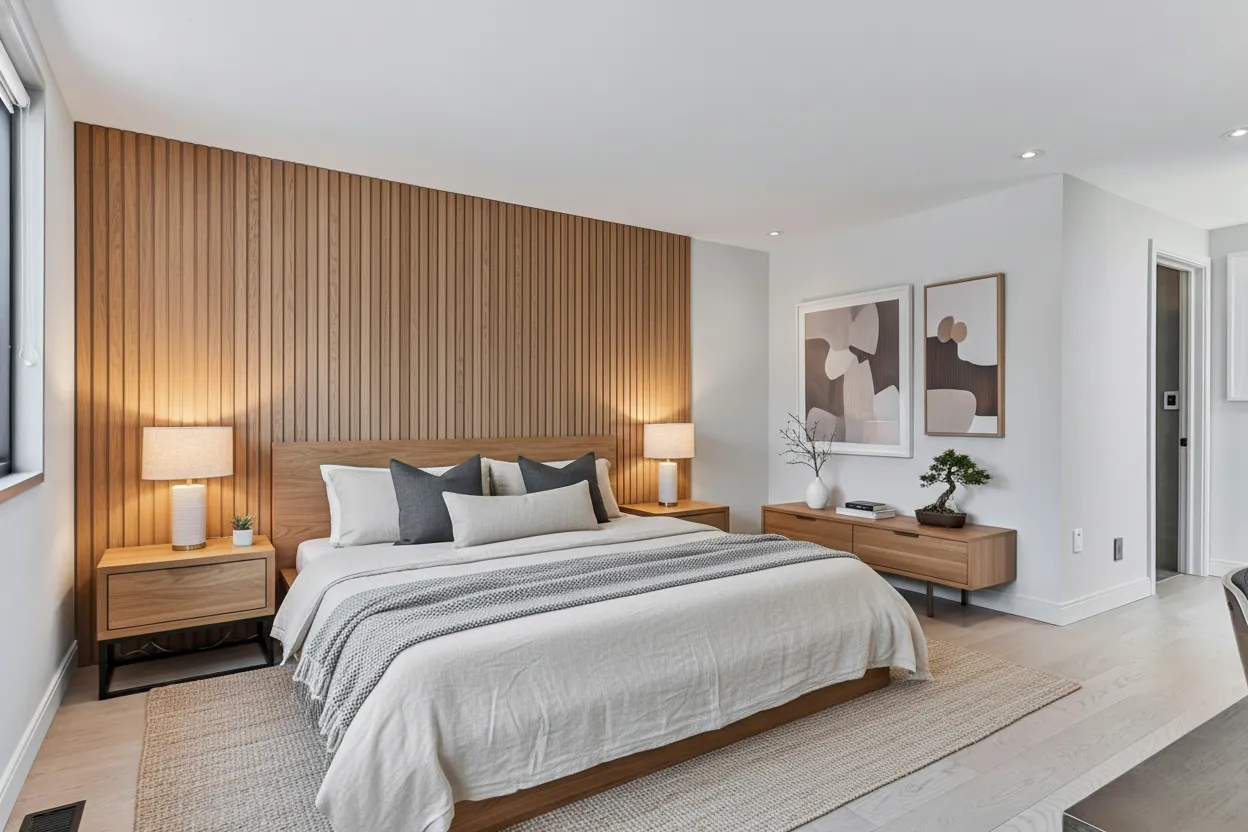
Four real estate video templates ship out of the box: Property Slideshow, Cinematic Walkthrough, Before/After Reveal (great for Instagram Reels real estate and TikTok property video), and Voiceover Narration via OpenAI TTS — each auto-sized for MLS, Zillow, Reels, TikTok, YouTube, Facebook, and Stories.
Slideshow + walkthrough
5–15 photos with crossfade or 30–60s camera moves.
Voiceover boost
OpenAI TTS adds 40–60% to Reels watch time.
Every aspect ratio
9:16 Reels, 16:9 MLS, 1:1 Facebook from one project.
Use Cases by Persona
Real Estate Agents
Create a listing video for every property without a videographer. Property slideshow + cinematic walkthrough, ready for MLS and Reels in 5 minutes.
Listing Brokers
Standardize video output across your team. Branded intro/outro, consistent music mood, agent attribution — every listing looks like the brokerage produced it.
Real Estate Photographers
Add a video deliverable to every shoot without buying gimbals or learning Premiere. Generate slideshow and before/after videos from the same photo set.
Property Managers
Generate walkthrough videos for rental listings and portfolios. Refresh the video any time the unit re-lists — same photos, new cuts, no re-shoot.
Airbnb & Vacation Rental Hosts
Produce a 30-second highlight reel for every property page. Vertical (9:16) for Instagram Stories, horizontal (16:9) for the Airbnb listing page.
Home Builders & Developers
Market new construction with cinematic walkthroughs from staged or rendered images — even before the project is built.
[ All-in-One Real Estate Marketing Platform ]
One subscription, every listing job done
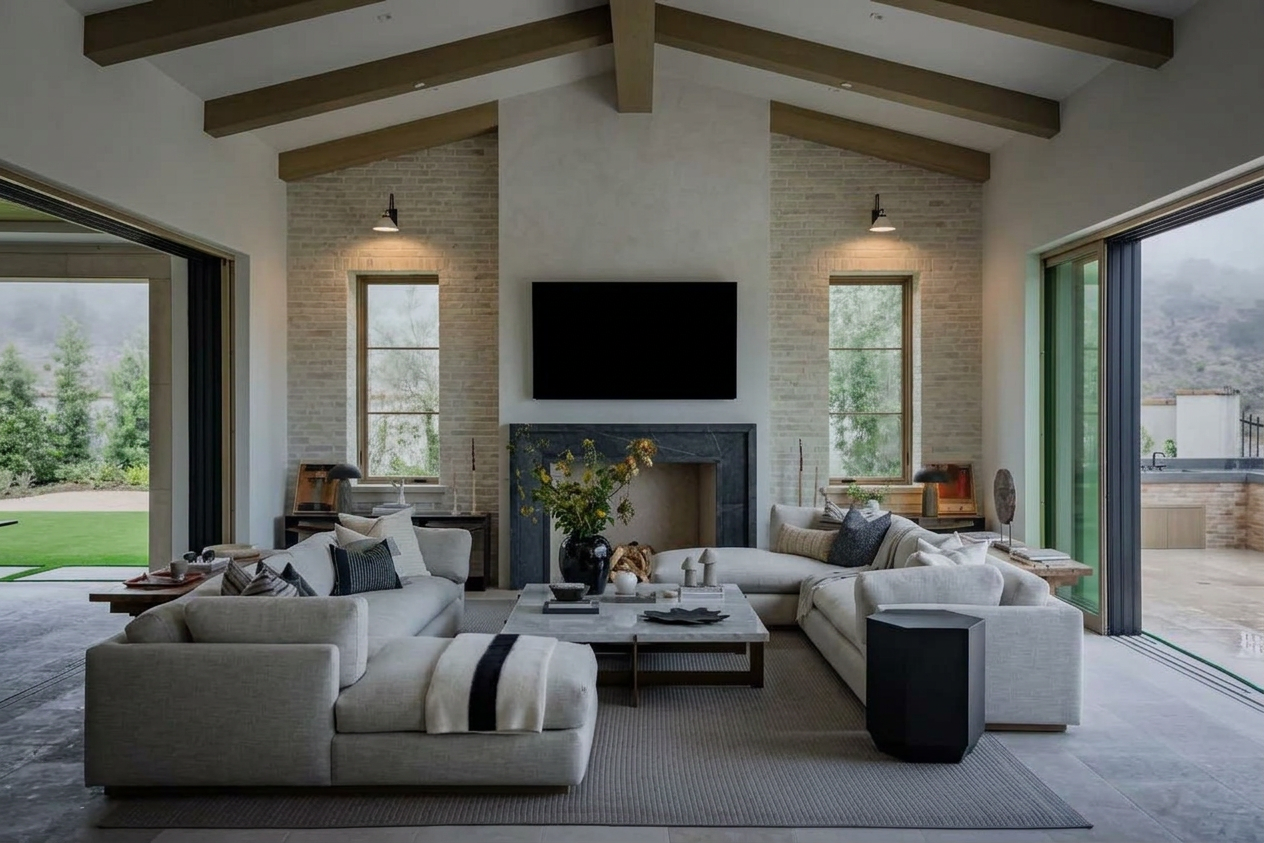
BrightShot handles the whole real estate marketing workflow with AI: stage rooms, declutter occupied homes, fix lighting, replace skies, build 360° tours, generate cinematic videos, and post to Instagram, TikTok, and Facebook — all from one platform.
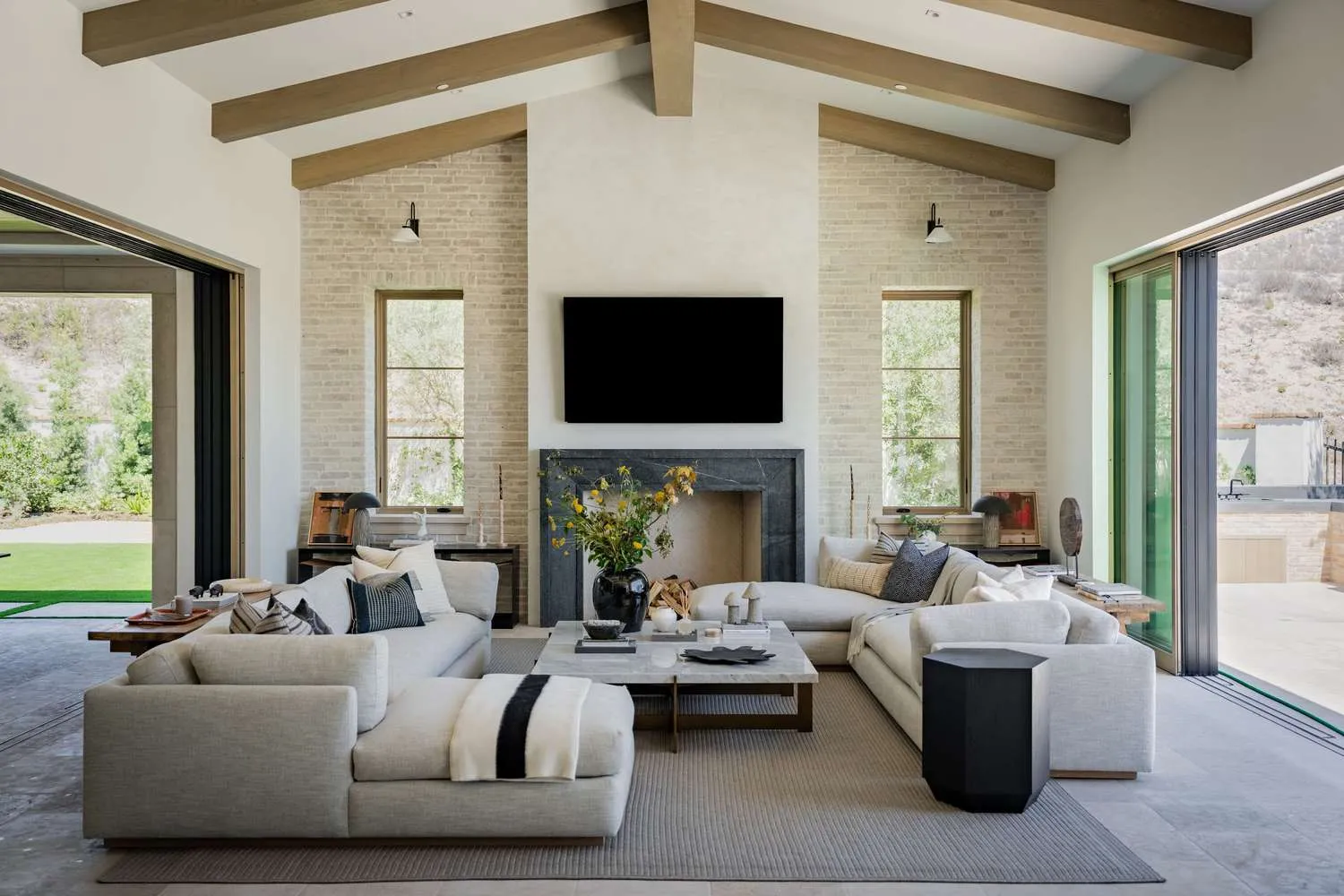
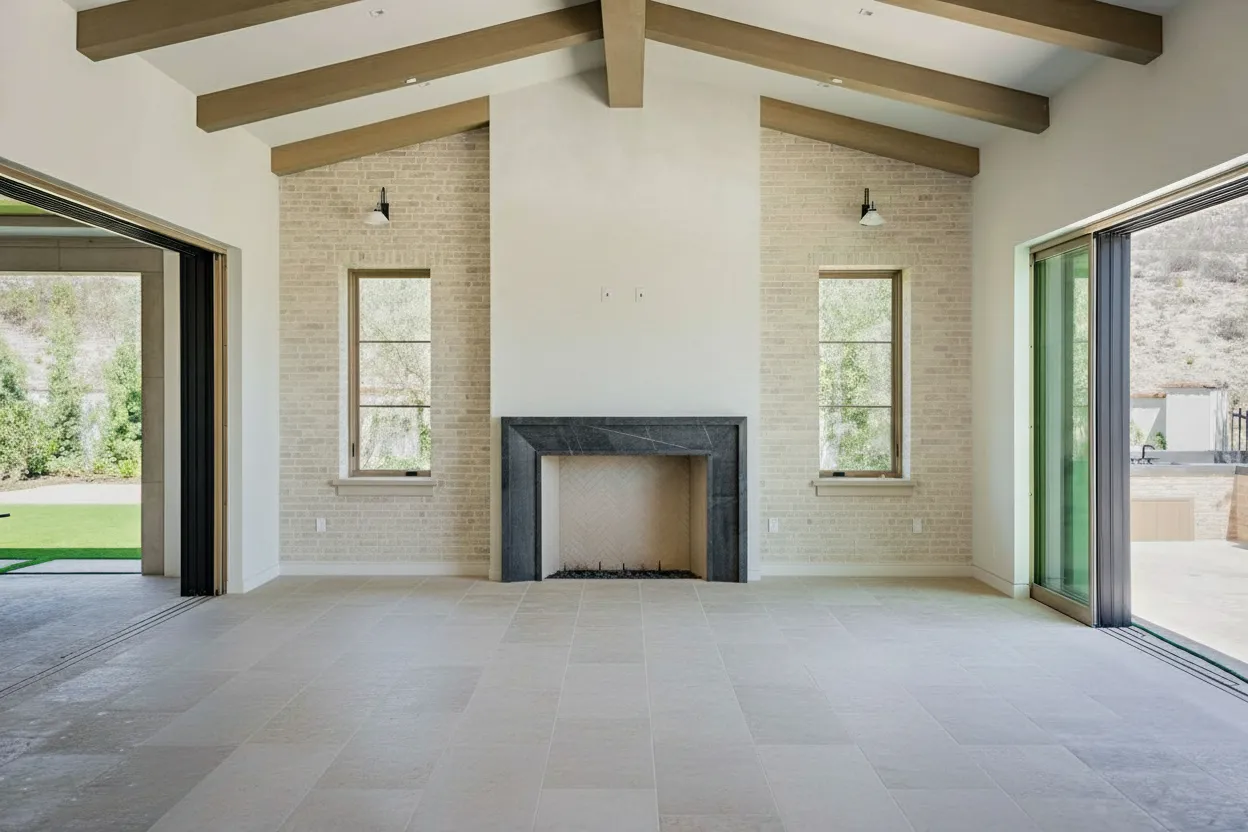
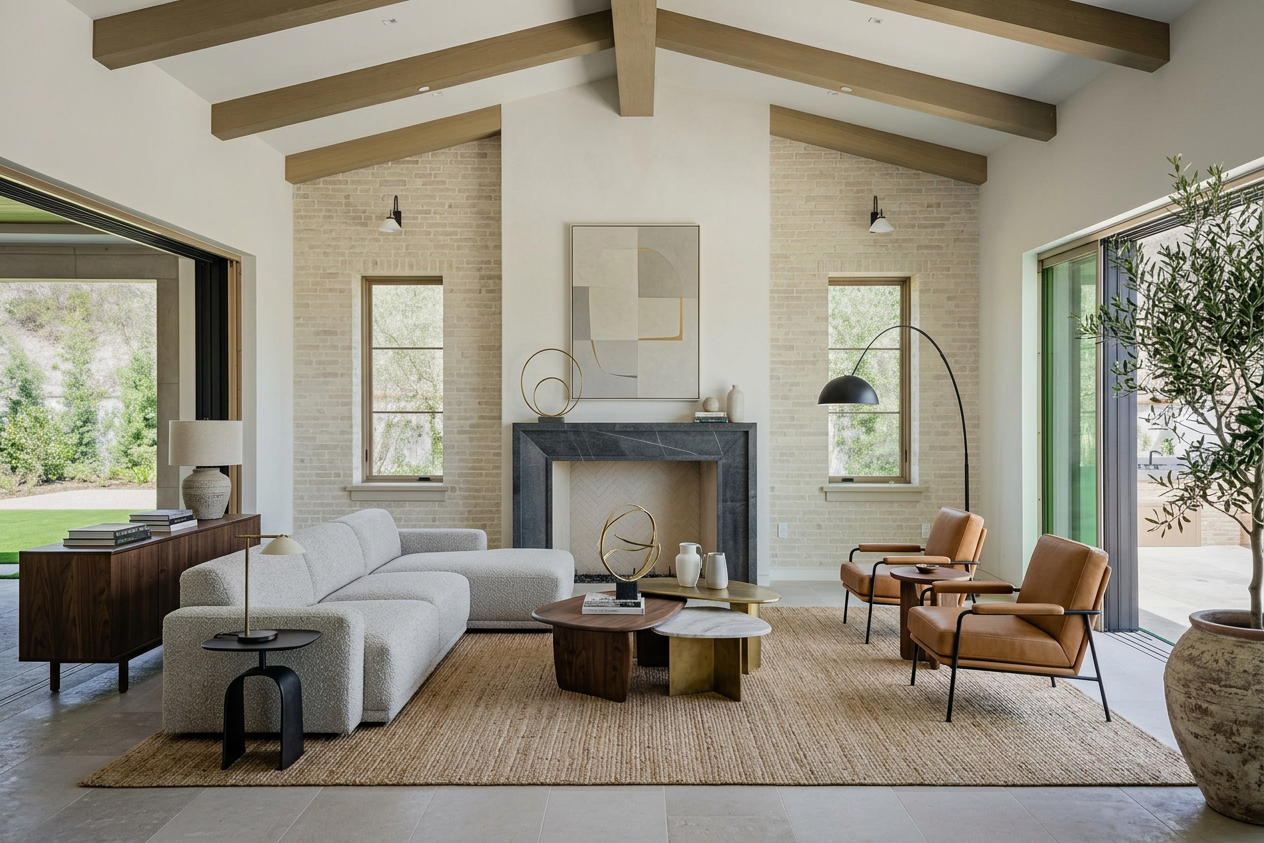
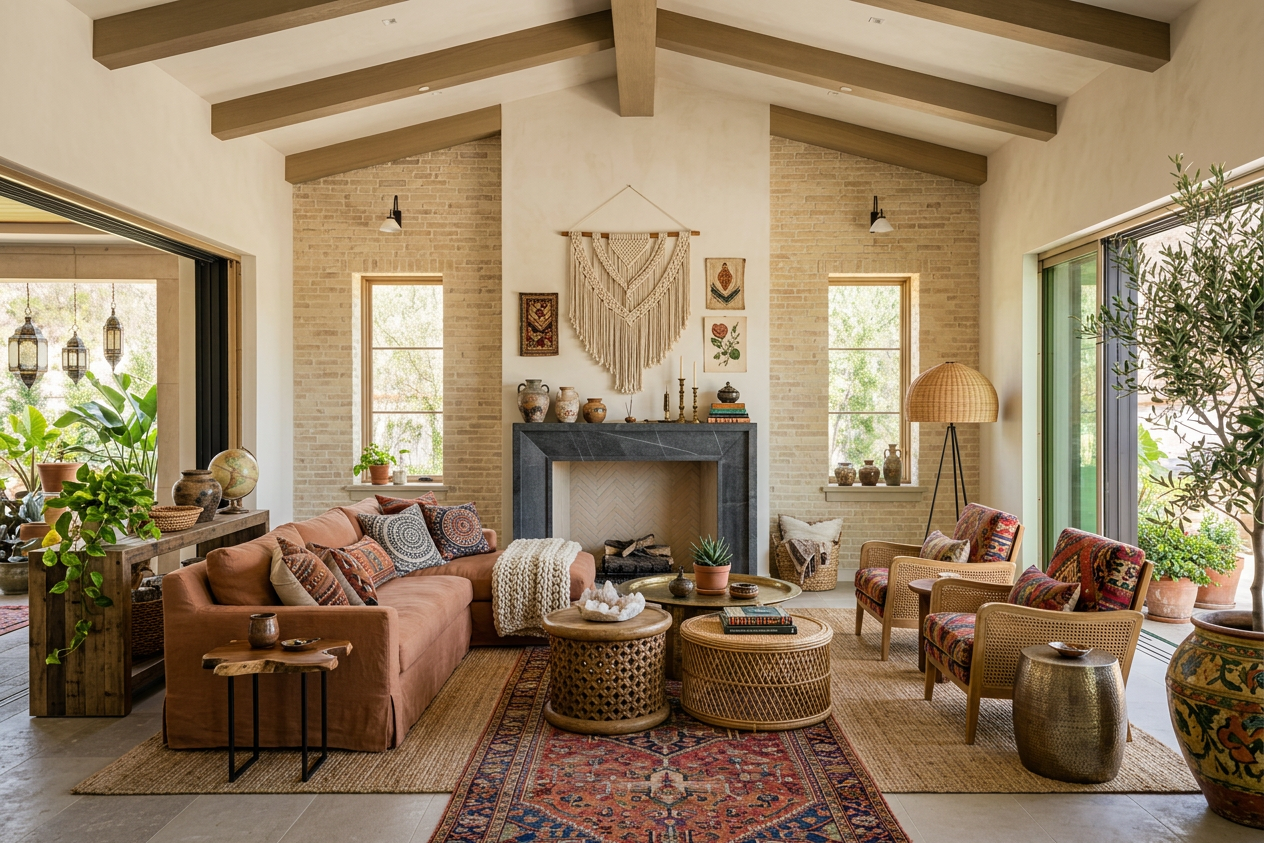
Pricing
Professional real estate photography can be expensive. Our plans start at just $19 per month.
Basic
Give BrightShot a try.
$171billed annually
You save$57/year
Billed monthly
- Virtual Staging
- Furniture Removal
- Photo Declutter
- Room Redesign
- AI Room Restyle
- Lighting Enhancement
- Perspective View Swap
- 3D to Photo Render
- Day to Dusk
- Sky Replacement
- Lawn Enhancement
- Furnish Empty Rooms
- Add People
- Photo Upscaling
Professional
Most popularPerfect for growing businesses.
$441billed annually
You save$147/year
Billed monthly
Premium
For power users.
$891billed annually
You save$297/year
Billed monthly
Real Estate Video Editor — More Than a Generator
BrightShot is a real estate video editor, not just a generator. After the AI's first cut, swap photos, change the music mood, adjust pacing, rewrite captions, and regenerate the voiceover — all in one dashboard. Read our guide to real estate video editing or pair with AI real estate photo enhancement.
Edit after generate
Swap photos, music, captions, voiceover, pacing.
One dashboard
Decluttering, lighting fixes, and photo enhancement included.
Re-render free
Unlimited revisions — no per-video charges.
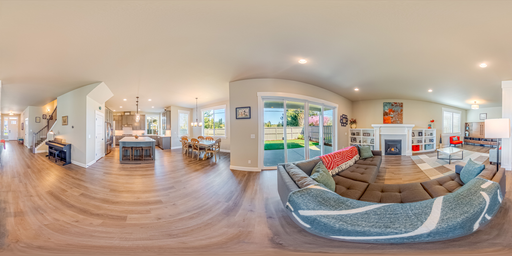
Real Estate Walkthrough Videos — From Photos, Not a Shoot Day
A real estate walkthrough video used to mean booking a videographer, scheduling around tenants, and waiting two to seven days for the first cut. BrightShot replaces that with a photos-to-video workflow: upload 5–15 listing photos in a logical buyer order — exterior, entry, living, kitchen, beds, baths, outdoor — and the AI stitches them into a smooth navigable walkthrough video for real estate listings, with simulated camera moves between rooms.
The video walkthrough real estate agents need most is the one that keeps a buyer scrolling on a Zillow listing or a Reels feed: 30–60 seconds, paced like an in-person tour, with the kitchen and primary suite carrying the heaviest screen time. BrightShot tunes pacing per scene automatically, so the walkthrough video real estate buyers see opens with a wide exterior, lingers on the standout features, and ends on the outdoor space.
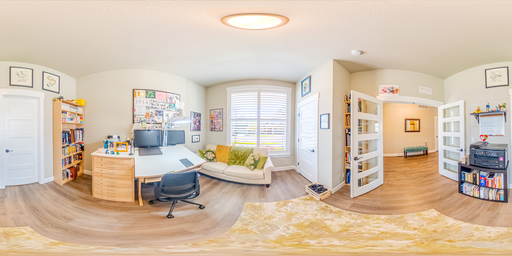
Because the AI works from stills, you can refresh a real estate walk through video any time the listing relists, the staging changes, or you want a different music mood — same photos, new cuts, no re-shoot fee. Pair the walkthrough with a real estate virtual tour software 360° experience for buyers who want to navigate the property themselves, and you've covered both passive watch time and active exploration from one photo set.
Combine Drone Footage with Interior Walkthroughs
A real estate drone video is the easiest way to open a listing video — it gives buyers context (lot size, neighborhood, street frontage) before the interior walkthrough begins. BrightShot supports drone video real estate workflows directly: drop in your aerial MP4 clips alongside still interior photos and the slideshow renders both in one pass. No separate editor, no manual color matching between drone clips and stills.
If you don't own a drone, you don't have to rent one for every listing. Many agents use a drone for real estate video on hero properties only, then lean on BrightShot's stills-only workflow for the rest of the inventory. Either input produces the same finished aspect ratios (16:9, 9:16, 1:1) and the same auto-pacing — buyers don't see the seams.
For agents already invested in drones for real estate video, BrightShot is the editing layer that turns raw aerial b-roll into a finished listing asset without launching Premiere Pro. Open with a 5-second drone reveal of the property, cut to the front door, walk through the interior, close on a backyard drone pull-out. The whole project — drone clips + interior stills + music + branding overlay — renders in under 5 minutes. For a deeper dive on drone work, see the drone video for real estate guide.
Real Estate Reels and Slideshows for Instagram, TikTok & Reels
A real estate reel is a 15–30 second vertical video shaped for Instagram Reels, TikTok, and Stories — the same listing trimmed, sized, and paced for a phone-first audience. BrightShot exports a 9:16 vertical preset from every project, so the same upload that produces a 16:9 MLS hero also produces a vertical reel ready to publish. No re-editing, no separate timeline, no manual cropping.
A real estate slideshow is the workhorse format for portal listings and Facebook posts: 5–15 photos with crossfade transitions, music, and a captioned property info bar. BrightShot's slideshow engine sits on the same Lambda + ffmpeg pipeline as the cinematic walkthrough — same music catalog (cinematic, upbeat, chill, ambient), same watermark and text-overlay options, same multi-aspect output. The difference is pacing: slideshows use simple crossfades and 3-second holds; cinematic walkthroughs add Ken Burns pans and parallax zooms.
Music auto-ducks under voiceover when you add OpenAI TTS narration (warm female `nova` or deep male `onyx`), so the reel reads clean on a feed even with sound on. Pro plans and up include one-click publishing to Instagram, TikTok, and Facebook through BrightShot's social automation — a real estate reel goes from photo upload to live post in the same session.
Real Estate Video Pricing — How Much Does a Listing Video Cost?
How much does a real estate video cost?
Real estate video pricing spans a wide range. BrightShot is $19/month for unlimited AI-generated listing videos across MLS, Reels, and TikTok formats. Pedra runs €29/month with similar AI-from-photos output. A freelance videographer typically charges $300–$500 per property for a same-day shoot and a single edit. Specialty production companies producing cinematic listing films sit at $800–$1,500 per property and add 5–10 days of turnaround. See video plan pricing.
How much does a real estate walkthrough video cost?
A traditional real estate walkthrough video — agent on-camera or voiceover, gimbal-stabilized footage through the home — runs $400–$800 per listing with a freelance videographer, and $1,000+ with a full crew. AI walkthrough video tools generate the same photos-to-video result for $19–$30/month flat. The cost difference is the production day: AI tools skip the on-site shoot, so the marginal cost per listing drops to whatever fraction of your monthly subscription that listing represents.
Is there free real estate video software?
Yes. Canva and CapCut both have free tiers that let you assemble a basic listing slideshow with templates, music, and text overlays — useful for one-off social posts. BrightShot's free tier (3 credits) lets you generate a real estate video from photos before committing to a paid plan, with the same AI camera moves and music catalog as paid output. For comparison shopping, see BrightShot vs. Pedra.
[ FAQ ]
Frequently AskedQuestions
How long does it take to create a real estate video?
Can I make a real estate video without filming?
What's the best AI video generator for real estate?
How long should a real estate listing video be?
Can I add my own voiceover or music?
What aspect ratios are supported (Instagram Reels, TikTok, MLS)?
Can I create a real estate video from just photos?
How much does it cost to create a real estate video?
Can I edit the video after generation?
Will the video work for Instagram Reels and TikTok?
How much is a real estate listing video?
What is the 3-3-3 rule in real estate?
Can I add a video to my Zillow listing?
How much does a real estate walkthrough video cost?
Can AI create a property video from listing photos?
How long should a real estate listing video be?
Still have questions?
Pair with these features
Combine multiple AI tools for even better results
Virtual Staging
Upload an empty room. Get photorealistic staging in 15 seconds. No designers, no waiting, no furniture rental — virtual staging from $19/month vs $1,500–$5,000 for a traditional home stager.
AI Lighting Enhancement
Brighten interiors, balance shadows, and convert daytime exteriors into photorealistic twilight photos in seconds — no Photoshop, no second shoot at golden hour.
AI Furniture Removal
Upload an occupied listing. Get a clean, vacant-looking photo in seconds. AI furniture removal and real estate photo enhancement from $19/month — no Photoshop, no editor queue, no $25-per-photo invoices.
Try BrightShot Free
Join 5,000+ real estate agents using AI to enhance photos, stage rooms, build 360° tours, generate property videos, and post to Instagram, TikTok & Facebook — all from one platform.