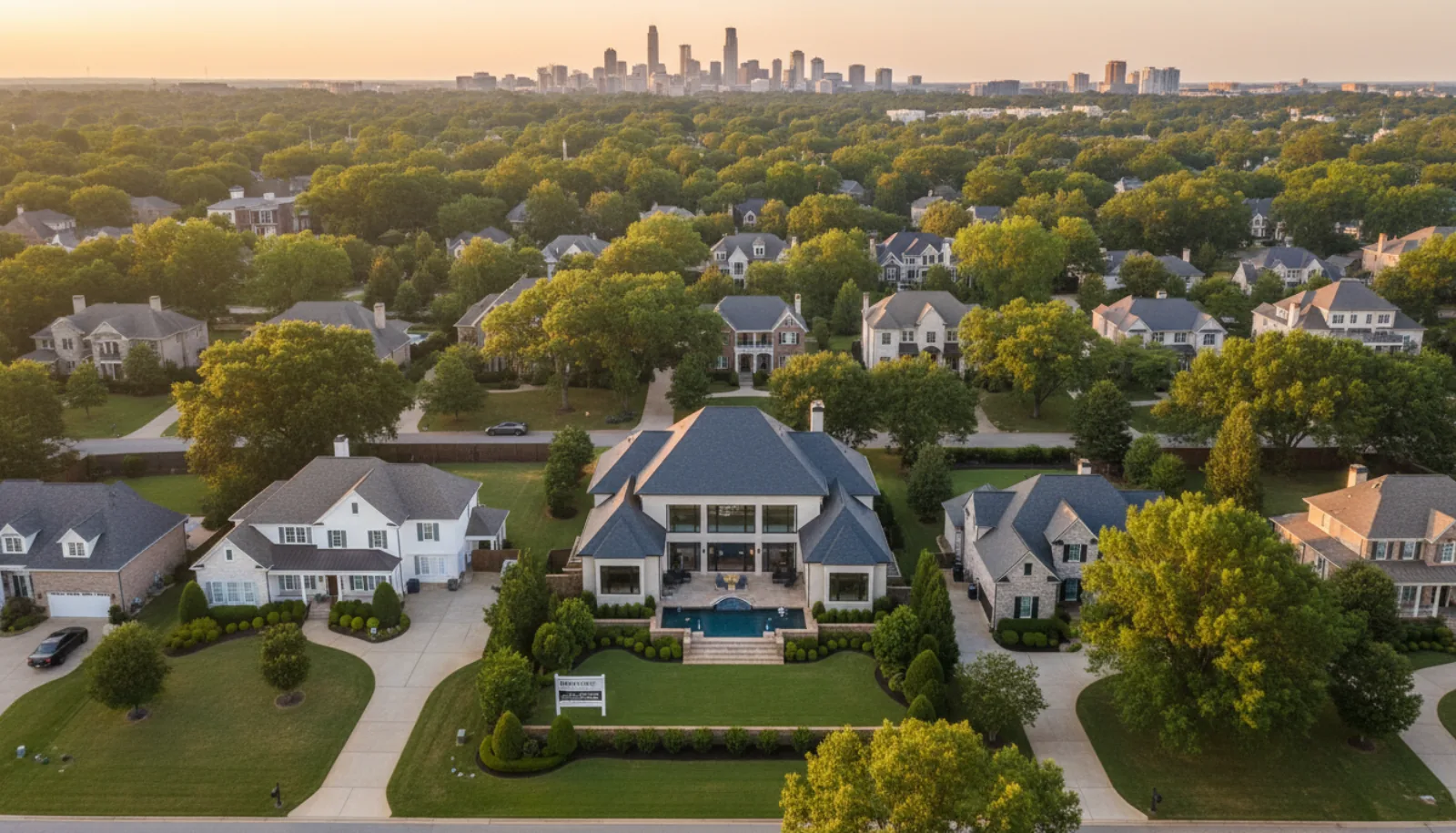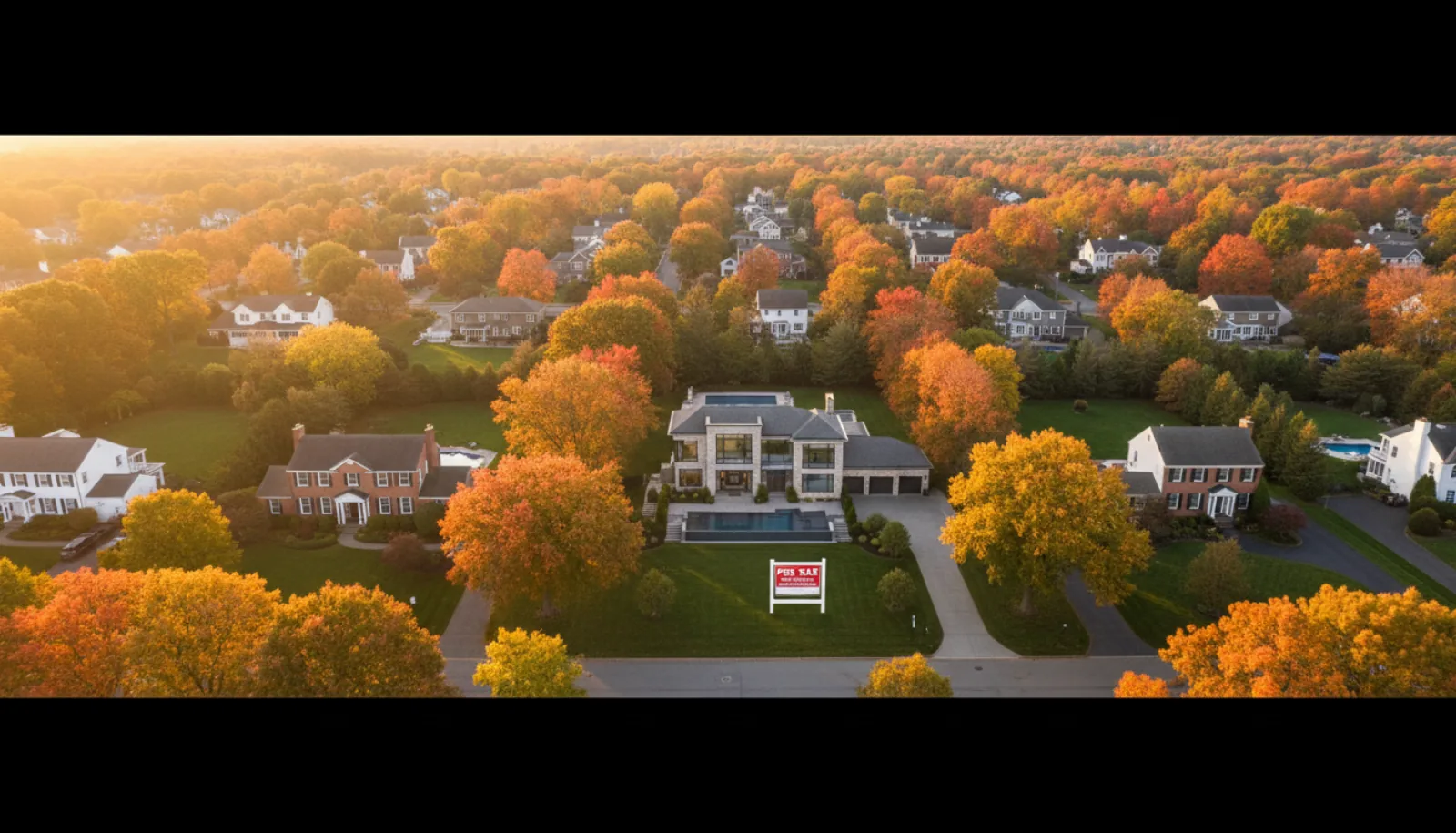
A great listing today rarely starts at the front door. It starts a hundred feet up — a slow reveal of the lot, the roofline, the neighborhood, and a graceful descent toward the home. Drone video for real estate has gone from luxury to standard expectation, and buyers now scroll past listings that don’t open with an aerial.
This is the practical 2026 playbook for real estate drone video — the FAA rules every agent needs to know, the four drones worth buying right now, a shot list that closes showings, and the AI workflow that fuses drone footage with interior video into one polished listing reel. Pair this with our real estate video marketing guide to see how aerials slot into the broader content plan.
Why drone video matters for real estate
Photos and interior video tell a buyer what’s inside the house. Drone video for real estate tells them everything else — and “everything else” is often the deciding factor. Lot size, setback, distance to the lake, morning light, whether the roof is original or recently replaced. None of that lives in a kitchen pan.
A 20-second aerial does three things no ground shot can:
- Establishes context. Buyers grasp the neighborhood, streetscape, and lot privacy in a single sweep. For rural and luxury listings, this is the entire pitch.
- Shows scale. A 1.2-acre yard reads as “yard” in a wide-angle photo. From 80 feet up it reads as “1.2 acres” — the number a buyer remembers.
- Proves there’s nothing to hide. Skipping the aerial on a high-end listing is conspicuous; buyers wonder what the drone would have shown.
A 4K aerial pass also surfaces roof and exterior condition — new shingles, recent gutters, solar panels, a freshly sealed driveway. Sellers love seeing those investments highlighted, and listing agents win pitches by showing exactly that. Drone real estate video is also now the default lead-in for vertical social: a 6-second top-down reveal is one of the highest-converting Reel openers in 2026.
FAA Part 107 — what every agent needs to know
If you fly a drone to make money — and using one to market a listing absolutely counts — the FAA classifies it as commercial operation. In the United States that means FAA Part 107, the small unmanned aircraft systems rule. There is no “real estate exception.” For the still-photo side of the same regulatory landscape, our aerial photography for real estate guide covers airspace and Part 107 in more detail. A few things every agent should know before the first launch:
Part 107 certification. A 60-question Remote Pilot knowledge test ($175 at an FAA-approved testing center) covering airspace, weather, and emergency procedures. Most agents pass after 15-20 hours of self-study (Pilot Institute, Drone Pilot Ground School). Valid 24 months and renewed online for free.
The sub-249g exception. Drones under 249 grams — the entire DJI Mini lineup — are exempt from FAA registration for recreational flight. They are not exempt from Part 107 the moment money changes hands. A Mini 4 Pro flown to market a listing is a commercial operation and requires a certified pilot, full stop.
Airspace and no-fly zones. Most US neighborhoods sit in Class G airspace where Part 107 pilots can fly up to 400 feet AGL without authorization. Near airports, hospitals, and stadiums you’ll need real-time LAANC authorization. Use B4UFLY (the FAA’s official app) or Aloft before every shoot.
Insurance. Part 107 doesn’t require it, but fly without it at your peril. SkyWatch.AI and BWI Fly offer on-demand commercial drone coverage from ~$10/flight or $500-$700/year. Many MLS associations now require proof of $1M liability for aerial footage. If any of this gives you pause, hire a licensed operator — $150-$400 per shoot in most US metros.
Best drones for real estate video in 2026
You don’t need a $5,000 cinema rig to shoot a beautiful listing. You do need a stable platform, a 1-inch (or larger) sensor where possible, and obstacle avoidance for tight suburban lots. These are the four drones I’d recommend to any agent in 2026.
| Drone | Price (kit) | Weight | Sensor | Max video | Best for |
|---|---|---|---|---|---|
| DJI Mini 4 Pro | ~$760 (Fly More) | 249g | 1/1.3” CMOS | 4K/100p HDR | Solo agents, sub-249g portability, suburban lots |
| DJI Air 3S | ~$1,099 | 724g | Dual 1” + 1/1.3” | 4K/60p HDR | Pro-grade dual-camera flexibility, mid-tier value |
| DJI Mavic 3 Pro | ~$2,199 | 958g | Hasselblad 4/3” + 1/1.3” + 1/2” | 5.1K/50p | Luxury and acreage listings, flagship cinema look |
| Autel EVO Lite+ | ~$1,049 | 835g | 1” CMOS | 6K/30p | DJI alternative, no-geofence flexibility |
DJI Mini 4 Pro (~$760). The right answer for 80% of agents. Sub-249g, pocket-portable, true 4K HDR with vertical-format support, and omnidirectional obstacle sensing for tight backyards. The Fly More Combo with three batteries gets you ~80 minutes of total flight — more than enough for a typical listing.
DJI Air 3S (~$1,099). The pragmatic upgrade. Dual cameras (1” wide + 1/1.3” 70mm medium-tele) cover establishing wides and tighter feature pulls without swapping aircraft. The 1” sensor handles golden hour noticeably better than anything in the Mini lineup. If you shoot 5+ listings a month, this is the drone.
DJI Mavic 3 Pro (~$2,199). For luxury and acreage specialists. Triple-camera Hasselblad system, 5.1K video, the cleanest low-light performance in the consumer market. $4M+ listings start looking like architectural digest spreads.
Autel EVO Lite+ (~$1,049). The DJI alternative. 1” sensor, 6K video, and looser geofencing — Autel doesn’t aggressively restrict flight near sensitive locations the way DJI does. Image quality is fully competitive; software is a half-step behind. Worth considering if you’ve had geofence headaches in your market.
If video is just one piece of your visual workflow, also consider how the drone pairs with your ground camera — our guide to the best camera for real estate video covers the mirrorless and phone setups that match each of these drones.
For a hands-on look at how the Mini class actually performs on a working real estate shoot — settings, framing, and the kinds of moves that read well on a listing — this overview is a useful starting point:
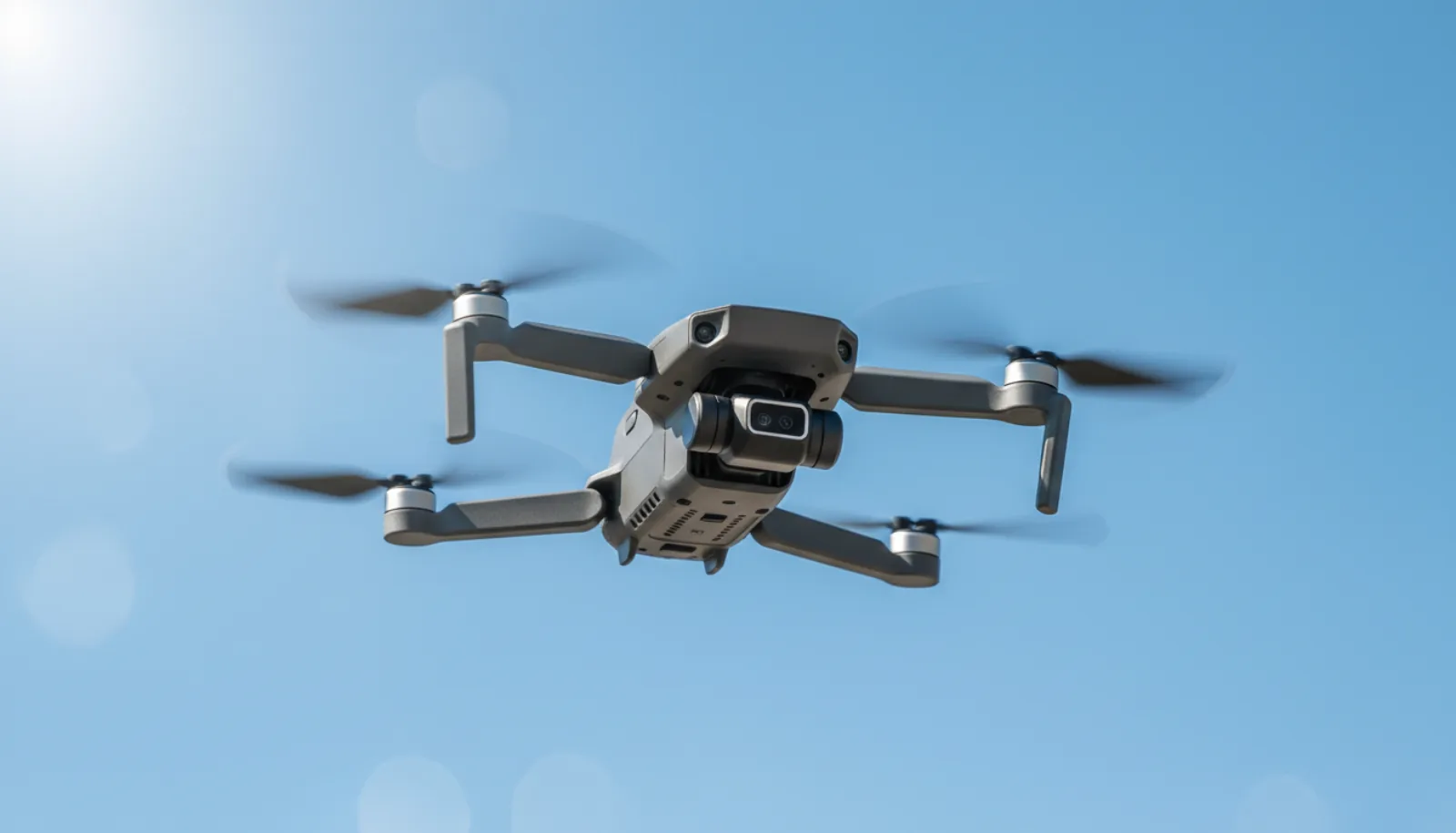
A DJI Mini-class drone in flight is roughly the size of a paperback book. Sub-249g flips a lot of the FAA paperwork, which is why it has become the default tool for solo agents:
Drone video shot list for a property
Walking onto a property without a shot list is how you end up with 12 minutes of useless footage. Here are the seven shots every real estate drone video should land — each 6-12 seconds, exactly what you need for a 60-second listing video plus three vertical Reels.
- Establishing wide. 80-100 feet up, drone pointed at the front of the home, slow forward push. The first 3 seconds of your final video. This is the shot that has to look perfect — re-shoot it if needed.
- Orbital (point-of-interest). Set the home as the POI and let the drone fly a slow 180° or 360° arc at ~50 feet. Reveals the entire footprint and the lot. Use cinematic speed (about 8 mph).
- Parallax slider. Fly a strafing path at ~30 feet with the camera locked on the front door or a key feature. The foreground (a tree, fence, mailbox) sweeps past while the home stays centered. Adds visual depth no other shot delivers.
- Top-down (nadir) of the lot. Camera straight down at 200 feet AGL, capturing the whole property line. This is the shot buyers screenshot to text their spouse.
- Reveal pull-back. Start tight on the front door at 30 feet, then back and up to 150 feet over 8-10 seconds. Closes the video. Pairs beautifully with branding text on the final beat.
- Backyard / pool / amenity. Whatever the property’s “wow” feature is, give it a dedicated 6-second aerial. Pool listings live or die on this shot.
- Sunset or dusk. Same as the establishing wide, shot 30 minutes before sunset. Even one dusk frame in the final cut adds an entire price tier of perceived production value.
Always shoot in your drone’s flattest color profile (D-Log M on DJI, Log on Autel) if your editing tool can grade it. If not, shoot Normal — flat footage with no grade looks worse than a properly exposed Normal shot.
Billy Kyle’s walkthrough on aerial real estate video is one of the cleaner end-to-end demos — actual flight paths, framing decisions, and what each shot adds to a listing edit:
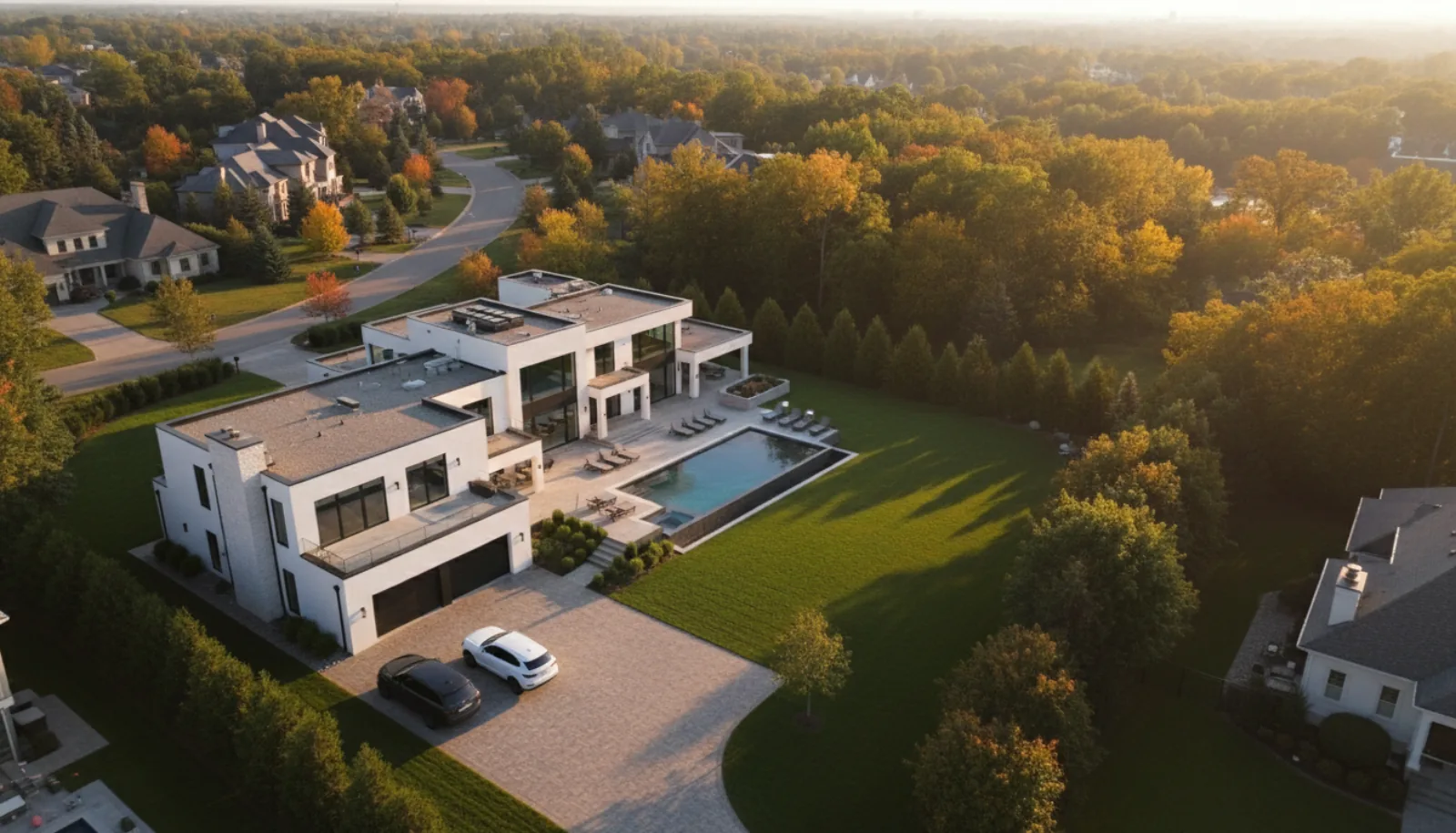
The output most listings lead with is a single golden-hour overhead reveal — the lot, the lawn, the pool, and the neighborhood context all in one frame:
Combine drone footage with interior video — the AI workflow
Here’s the part most agents skip: stitching drone footage to the interior walkthrough so the final video feels like one continuous piece. Done manually in Premiere, that’s a 2-3 hour edit. Done with the right AI tool, it’s about 5 minutes. Our companion guide on how to make a real estate video walks through both the DIY camera shoot and the modern AI flow side by side.
This is what BrightShot’s slideshow video pipeline is built for. Drop in your drone clips and interior stills, pick a music mood and a vertical or horizontal output, and the system stitches them into a crossfade-paced real estate marketing video with watermark, address overlay, and music timing handled automatically. Aerials and interiors render in the same pass — no separate edit, no manual sync.
A typical workflow:
- Shoot your drone shot list (7 clips, ~60 seconds total).
- Pull the 8-10 best interior stills or short clips.
- Upload everything to BrightShot’s video tour builder.
- Pick “cinematic” music, 16:9 for the main video and 9:16 for social.
- Export both versions in under a minute.
The result: one cohesive listing video where the aerial sells the location, the interior sells the home, and the ending pulls back to the lot. That’s how you scale video marketing real estate without hiring an editor — one shoot, one upload, two exports, multiple channels.
✈️ Turn drone clips and interior photos into one cinematic listing video. BrightShot’s AI video tour builder accepts aerial footage and interior stills in the same render, auto-times music, and exports both 16:9 and 9:16 versions in under a minute. Build Your First AI Video Tour Free →
Drone video editing & sharing
Even the cleanest aerial benefits from a 10-minute edit pass. The basics that matter:
Color grading. Drone footage runs cool and slightly desaturated. A subtle warmth bump (+5 temperature), +10 saturation, and a small contrast lift make grass greener and skies bluer without looking fake. If you shot D-Log M, apply DJI’s official LUT first, then grade on top. Our drone photo editing for real estate guide digs into haze correction, sky replacement, and perspective fixes that translate to video grading too.
Music. Aerials beg for cinematic strings or mellow electronic — never aggressive trap for the main listing video. Save the energetic stuff for 15-second social cuts. Artlist, Epidemic Sound, and Soundstripe all have sub-$20/month commercial licensing.
Output formats. Export two masters every time:
- 1080p 16:9 for MLS, Zillow, Realtor.com, YouTube, your website.
- 1080×1920 9:16 vertical for Instagram Reels, TikTok, YouTube Shorts.
The vertical version isn’t a crop — it’s a re-edit. Tight reveal shots and parallax pulls work beautifully vertical; wide orbitals do not. Pull your three best clips and add a hook overlay in the first 1.5 seconds.
Embedding on Zillow and the MLS. Most MLS systems accept a YouTube or Vimeo URL in the branded-video or virtual-tour field. Zillow auto-imports from MLS in most US markets, so a tagged YouTube upload appears on Zillow and Realtor.com within 24-48 hours.
FAQ
Do you need FAA Part 107 to fly a drone for real estate?
Yes. Any flight that supports a commercial activity — including marketing a listing, building a portfolio reel, or shooting for a client — is a commercial operation under FAA rules. That requires a Part 107 Remote Pilot Certificate, regardless of the drone’s weight. The sub-249g exemption only applies to recreational flying. Plan on 15-20 hours of study and a $175 knowledge test; most agents pass on the first attempt and renew online every 24 months for free.
What’s the best drone for real estate video?
For most agents in 2026, the DJI Mini 4 Pro at $760 hits the sweet spot — sub-249g, true 4K HDR, omnidirectional obstacle sensing, and pocket-portable. If you shoot 5+ listings a month, step up to the DJI Air 3S ($1,099) for the dual-camera flexibility and 1” sensor. Luxury specialists should look at the Mavic 3 Pro (~$2,199) for the Hasselblad triple-camera system. The Autel EVO Lite+ is a solid DJI alternative if geofencing has been an issue in your market.
How much does drone video for real estate cost?
If you fly yourself, the all-in cost is the drone ($760-$2,200), Part 107 certification ($175 + study materials), and optional insurance (~$10/flight or $500-$700/year). After that, each listing’s drone footage is essentially free. Hiring a licensed drone operator in the US runs $150-$400 per shoot for raw footage, or $300-$700 for an edited package. For agents listing fewer than ~10 properties a year, hiring it out is usually the better economic choice.
Can you embed a drone video on Zillow listings?
Yes, indirectly. Zillow doesn’t accept direct video uploads from agents, but it auto-imports the “branded video” or “virtual tour” URL from your MLS feed in most US markets. Upload your edited drone-and-interior video to YouTube or Vimeo, paste the URL into the appropriate MLS field, and Zillow will display it on the listing page within 24-48 hours. For premium placement, agents on Zillow Premier Agent can also upload a Walkthrough Video directly through their dashboard.