
Quick verdict
Pick BrightShot if you want AI virtual staging at the lowest per-image cost in the category ($0.24 vs Virtual Staging AI's $2.67 entry rate) and you also want walkthrough videos, window-view transformations, 360° virtual tours, and a full photo enhancement suite — all bundled in one $19/month plan instead of paid separately.
Stick with Virtual Staging AI if your only requirement is the broadest possible library of pre-built design styles (30+ vs BrightShot's 15+ curated styles) and you don't need video, tours, or enhancement features. The platform is fast, the staging quality is strong, and the per-image cost only stings if you list at high volume.
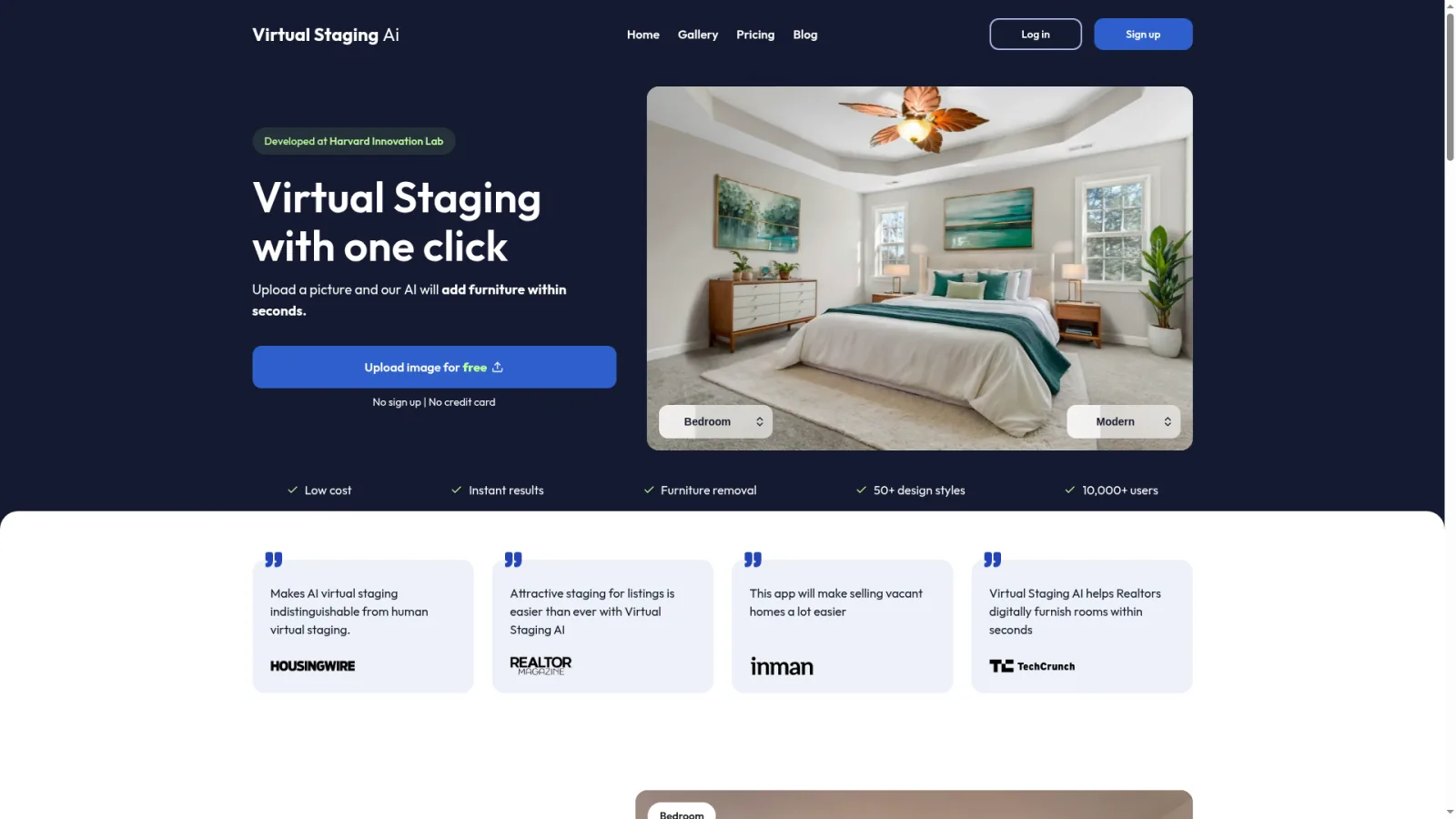
For an honest hands-on review of Virtual Staging AI on a working listing — useful baseline for what the staging-only tier delivers in production:
Virtual Staging AI pricing
Virtual Staging AI is subscription-only — there's no pay-as-you-go option. Below is the full 2026 plan ladder.
| Plan | Monthly price | Images / month | Cost per image | Best for |
|---|---|---|---|---|
| Starter | $16 | 6 | $2.67 | Single-listing agents, testing the platform |
| Professional | $39 | 20 | $1.95 | Working agents, 2–3 listings per month |
| Business | $79 | 57 | $1.39 | High-volume agents, brokerages |
What's included on every Virtual Staging AI plan: 30+ pre-built design styles, custom-style creation, item removal, sky enhancement, unlimited revisions, credit roll-over, and commercial-use license. Not included: walkthrough video generation, window-view transformation, 360° virtual tours, photo enhancement suite, advanced construction mode.
BrightShot's equivalent ladder runs $19 → $49 → $99 → $199 with 80 → 250 → 600 → 1,500 credits, putting per-image cost at $0.13–$0.24 across all tiers. The same credits cover staging, video, tours, and enhancement — Virtual Staging AI's plans cover staging only.
Virtual Staging AI reviews — what users say
Virtual Staging AI has been around long enough to have a mature reputation in the agent and photographer community. The pattern in reviews across G2, Capterra, and real estate forums is consistent:
- The good: Output quality is consistently strong on the most-requested style families (modern, contemporary, traditional, Scandinavian). The 30+ style library is among the broadest in the category, and the custom-style feature — where you upload a reference image and the AI matches it — is genuinely useful for branded brokerages.
- The good: 15-second processing is the fastest in the AI staging category, and unlimited revisions are included on every plan, so getting the right output without worrying about credit waste is straightforward.
- The trade-off: Per-image cost is the most common complaint at the Starter tier ($2.67/image). Volume agents move to Professional or Business, but BrightShot at $0.24/image is dramatically cheaper at every comparable tier.
- The trade-off: Subscription-only billing with no pay-as-you-go option. If your listing volume is seasonal, you either over-pay for off months or cancel and re-subscribe each cycle.
- The trade-off: Staging only. No video, no tours, no enhancement, no construction mode. Most agents end up paying for 2–3 separate tools.
- The trade-off: Free trial outputs are watermarked, so you can't ship the trial result on a real listing — you have to subscribe before testing on production photos.
The honest summary: Virtual Staging AI is a solid staging-only tool for agents who already have separate tools for everything else. For everyone else, the bundled-tool math usually wins.
BrightShot vs Virtual Staging AI — feature-by-feature
| Feature | BrightShot | Virtual Staging AI | Winner |
|---|---|---|---|
| Starting price | $19/mo (80 credits) | $16/mo (6 images) | BrightShot (more credits) |
| Cost per image | $0.24 | $2.67 (Starter) → $1.39 (Business) | BrightShot |
| Pay-as-you-go option | Yes — $19 / €24 / €49 one-time packs | No — subscription only | BrightShot |
| Virtual staging | Yes — 15+ styles + prompt mode | Yes — 30+ styles + custom style | Tie (different strengths) |
| Item removal / declutter | Yes — advanced | Yes | Tie |
| Photo enhancement suite | Yes — HDR, lighting, sky, lawn | Basic enhancements only | BrightShot |
| Window-view transformation | Yes — 10+ view options | No | BrightShot |
| Walkthrough video generation | Yes — 16:9, 9:16, square cuts | No | BrightShot |
| 360° virtual tours | Yes — unlimited on every plan | No | BrightShot |
| Construction / pre-sales mode | Yes — visualize unfinished spaces | Limited | BrightShot |
| Processing speed | 15–45 seconds | 15 seconds | Virtual Staging AI |
| Design style variety | 15+ curated + unlimited prompt mode | 30+ pre-built + custom upload | Virtual Staging AI |
| Free trial | Full access, no watermark | Watermarked output | BrightShot |
| Public API | Yes — `bs_live_` keys, documented | Limited | BrightShot |
| Unlimited revisions | Yes | Yes | Tie |
Real-world cost by listing volume
Sticker price tells one story; per-image cost tells another. Here's what each platform actually costs at three common usage levels.
| User profile | Volume | BrightShot | Virtual Staging AI | Annual savings on BrightShot |
|---|---|---|---|---|
| Solo agent | 20 images / month | $19/mo (80 credits) | $39/mo (Professional) | ~$240 |
| Active agent | 50 images / month | $49/mo (Pro, 250 credits) | $79/mo (Business) | ~$360 |
| Small agency | 100 images / month | $99/mo (Premium, 600 credits) | 2× $79/mo = $158/mo | ~$700 |
| High-volume photographer | 200 images / month | $99/mo (Premium, 600 credits) | ~$200/mo (Business + overages) | ~$1,200 |
Add the value of BrightShot's bundled features (walkthrough video, window-view, 360° tours, photo enhancement) — features Virtual Staging AI doesn't offer — and the gap widens further. Most agents using both Virtual Staging AI plus a separate video tool plus a separate tour tool end up paying $80–$150/month total; BrightShot consolidates that into $19–$49.
What BrightShot has that Virtual Staging AI doesn't
Three features in particular are unique to BrightShot in this category.

Walkthrough video generation
BrightShot generates AI walkthrough videos from your listing photos in under 90 seconds — slow gimbal-style camera moves through each room, music synced to scene changes, optional OpenAI text-to-speech voiceover, and exports in horizontal 16:9 (Zillow embeds, YouTube) and vertical 9:16 (Instagram Reels, TikTok) from the same render. Virtual Staging AI is staging-only; no video at any plan tier.
Window-view transformation
Properties with unappealing views — parking lots, brick walls, construction sites — can have the window scene replaced with an ocean view, cityscape, mountain vista, or garden. The AI matches lighting and perspective so the swap looks natural. This single feature can dramatically lift perceived value on listings with tough views, and Virtual Staging AI doesn't offer it.
360° virtual tours from photos
Upload regular listing photos and BrightShot stitches a navigable 360° walkthrough with hotspot navigation, embeddable on Zillow, Realtor.com, the MLS, Airbnb, and VRBO. No 360° camera required. Virtual Staging AI doesn't offer tours — for that you'd need a separate tool like Matterport ($1,500+ camera) or CloudPano (360° camera required).
Who is each platform for?
Who is BrightShot for?
Working residential agents, photographers, brokerages, and short-term rental hosts who edit at least 5 listings worth of photos per month and want predictable monthly costs across staging, video, tours, and enhancement in one tool. If your listing workflow includes any combination of virtual staging + walkthrough video + photo enhancement + 360° tours, BrightShot collapses what would be 3–4 separate subscriptions into one $19–$199/month plan. See BrightShot's virtual staging.
Who is Virtual Staging AI for?
Agents and stagers whose only requirement is virtual staging — no video, no tours, no enhancement — and who specifically need the broadest possible style library (30+ pre-built styles plus custom-style upload). The platform is fast, the output quality is strong, and the unlimited-revisions policy makes iteration easy. The trade-off is per-image cost and the narrow feature scope.
Ready to switch? Try BrightShot's AI virtual staging free — no credit card required, no watermark on the trial outputs, and 80 credits to test staging, video, tours, and enhancement on real listings. For more options, see our Virtual Staging AI alternative guide and our broader virtual staging software comparison.